
Best Android Apps for Creators
Practical creator workflow guide covering Android video editing, AI tools, photography apps, productivity workflows, storage management and social media content creation.
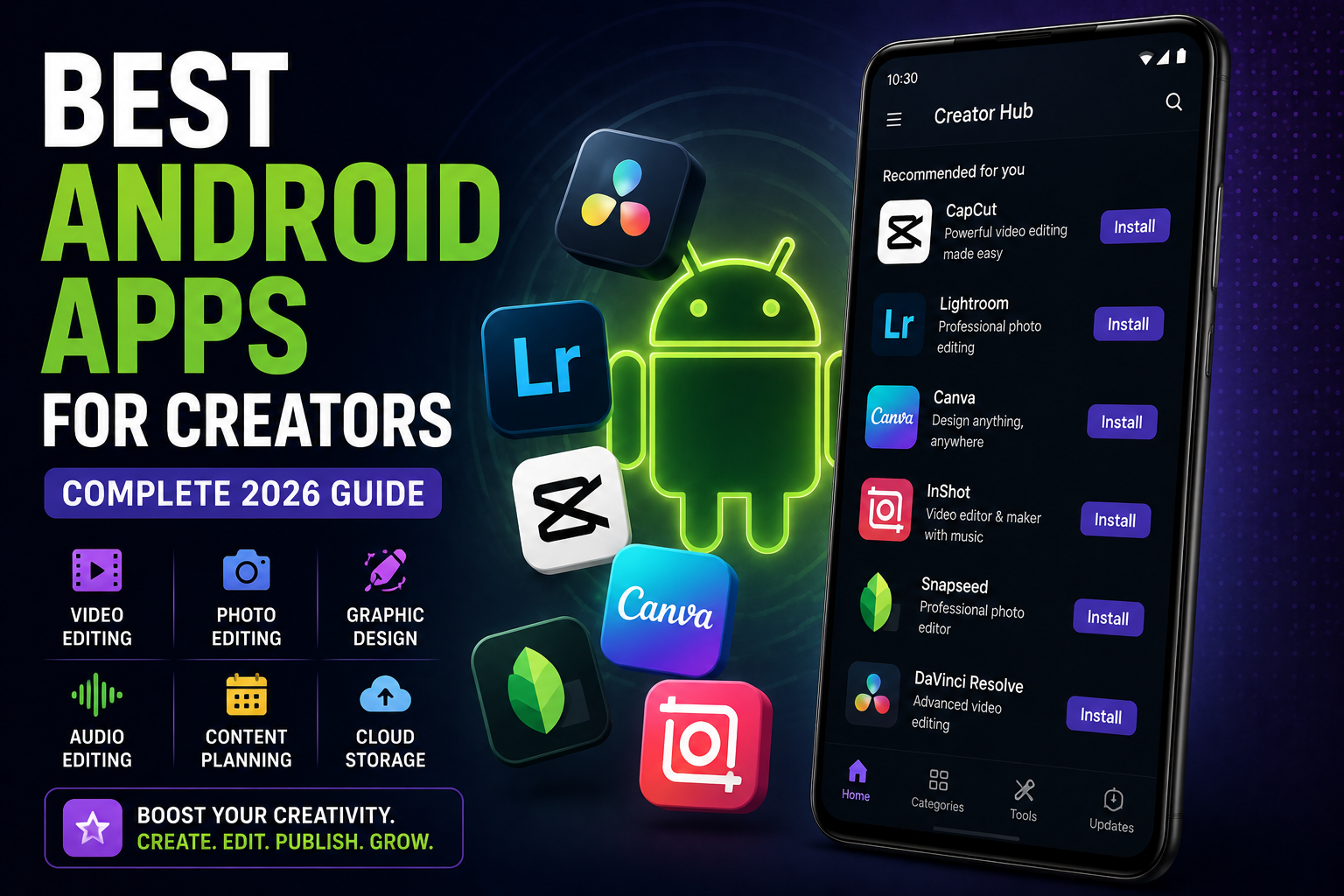
Best Android Apps for Creators is a complete 2026 creator workflow guide focused on real-world content creation using Android smartphones and tablets. This guide explains the best Android apps for video editing, AI content generation, photo editing, YouTube Shorts, Instagram Reels, storage optimization, creator productivity, audio cleanup, script writing and social media workflows. It also covers battery optimization, gaming creators, creator accessories and long-term creator smartphone usage.
Quick Verdict
Main rule: Creators succeed more through workflow consistency and smart editing tools than expensive hardware alone.
Best for: YouTube creators, Instagram creators, vloggers, students, podcasters, editors and social media creators.
Avoid if: You expect AI apps to fully automate content creation without creative planning and editing.
Best by Use Case
YouTube Shorts
CapCut, VN Editor and Canva provide fast mobile-first workflows for shorts and vertical videos.
Instagram Reels
Lightroom Mobile, CapCut and InShot help optimize reels quickly.
Photo creators
Snapseed and Lightroom remain among the strongest Android photo editing apps.
Gaming creators
Use screen recording apps with external microphone support and thermal optimization.
Students and beginners
Canva and VN Editor offer easier learning curves than advanced editing suites.
Comparison Advice
- CapCut is excellent for fast short-form content creation.
- VN Editor offers cleaner workflows with fewer aggressive ads.
- Lightroom provides stronger photo color control than most free editors.
- Canva is best for thumbnails, social graphics and quick templates.
- AI creator apps are useful, but manual editing still matters heavily.
Mistakes to Avoid
- Installing too many editing apps
- Using low-quality exported videos
- Ignoring storage management
- Editing 4K videos on weak devices continuously
- Overusing AI filters
- Uploading videos with poor audio
- Ignoring battery and thermal management
- Keeping random unused creator assets
Deal Advice
- Creators should prioritize storage, cooling and battery life over raw benchmark numbers.
- Phones with 256GB or higher storage are strongly recommended for creators.
- Tablets improve editing workflows significantly for video creators.
- Good microphones and lighting often improve content more than upgrading phones.
Why Creator Apps Matter More Than Ever in 2026
Smartphones have become full creator workstations for many users.
Modern Android creators can record, edit, upload and manage content entirely from mobile devices.
The right apps save time, improve quality and simplify creator workflows dramatically.
Best Android Video Editing Apps
Video editing apps are the backbone of modern creator workflows.
Short-form video creators especially need fast editing, subtitles and export tools.
- CapCut for reels and shorts
- VN Editor for cleaner workflows
- KineMaster for layered editing
- Adobe Premiere Rush for cross-device workflows
- InShot for fast social exports
Best Android Photo Editing Apps
Photo editing is essential for thumbnails, Instagram posts and creator branding.
Good color correction and lighting adjustments improve engagement significantly.
- Lightroom Mobile
- Snapseed
- Canva
- Photoshop Express
- PicsArt
Best AI Apps for Creators
AI tools are increasingly reducing repetitive creator tasks.
Subtitles, object removal, background cleanup and thumbnail generation are now much faster.
- AI subtitle generators
- AI thumbnail tools
- AI object removal
- AI audio cleanup
- AI script assistance
Storage Management for Creators
Creators often struggle with storage because raw videos, exports and thumbnails consume huge amounts of space.
Poor storage management also slows editing performance and exports.
- Move old projects monthly
- Delete failed exports
- Use cloud storage carefully
- Keep at least 20% free storage
- Archive completed projects externally
Best Audio and Podcast Apps for Creators
Audio quality matters more than many creators realize.
Good sound often improves content quality more than camera upgrades.
- Dolby On
- BandLab
- FL Studio Mobile
- WaveEditor
- Lexis Audio Editor
Best Productivity Apps for Creators
Content creators manage scripts, schedules, thumbnails and uploads continuously.
Productivity apps help organize creator workflows efficiently.
- Notion
- Google Keep
- Trello
- Canva
- Google Drive
Battery Optimization for Creators
Video editing, AI exports and recording sessions drain battery rapidly.
Creators should optimize battery usage carefully during long work sessions.
- Avoid exporting while charging heavily
- Reduce brightness indoors
- Use cooling during editing
- Carry power banks during shoots
Best Camera Apps for Android Creators
Manual camera controls improve creator flexibility significantly.
Advanced camera apps help creators control exposure, focus and stabilization better.
- Open Camera
- Blackmagic Camera
- Filmic-style camera apps
- Manual video control tools
Apps for Gaming Creators
Gaming creators require stable recording, thermal management and strong audio workflows.
Screen recording and livestreaming apps should be optimized carefully.
- Streamlabs
- YouTube Studio
- Discord
- Screen recording tools
- Audio cleanup apps
Android Tablets for Creators
Android tablets are becoming increasingly useful for creators.
Larger displays improve editing precision, thumbnail design and multitasking.
- Samsung Galaxy Tab workflows
- Xiaomi Pad creator setup
- OnePlus Pad productivity usage
Creator Privacy and Security Tips
Creators install many third-party apps, increasing privacy risks.
AI editing apps and unknown APKs can expose sensitive media.
- Review app permissions
- Avoid unknown editing APKs
- Use cloud backup carefully
- Separate personal and creator accounts
How AI Is Changing Creator Workflows
AI tools are accelerating creator workflows through subtitles, auto-editing and smart suggestions.
However, creativity and storytelling still remain the most important factors.
Final Verdict
Android creators now have access to extremely powerful mobile workflows.
The best creator setup combines good editing apps, organized storage, strong audio and efficient workflow habits.
Creators benefit more from consistent workflows than endlessly upgrading hardware.
Frequently Asked Questions
Which Android app is best for YouTube Shorts?
CapCut and VN Editor are among the strongest Android apps for YouTube Shorts and reels.
Which Android photo editing app is best?
Lightroom Mobile and Snapseed remain among the best Android photo editing apps.
Do creators need flagship phones?
Not always. Mid-range phones can handle creator workflows if storage and thermal management are good.
Are AI creator apps worth using?
Yes, especially for subtitles, quick edits and thumbnail assistance.
How much storage do creators need?
Creators should ideally use phones with at least 256GB storage for smoother workflows.
What matters more for creators: camera or audio?
Good audio quality often improves viewer experience more than camera upgrades.
Related Reading on Godealio
- Android Camera Tricks
- Best Android AI Features in 2026
- Android Storage Cleanup Guide
- Best creator smartphones
- Compare phones
- Latest mobile offers
- Best Android Apps for Productivity
- Best AI Features for Creators
- Best Android Launchers
- Best Android Widgets
- Xiaomi 17 Review: The Best Compact Android Flagship of 2026?
- Android Automation Tricks
More Guide Details
Article Type
evergreen_creator_guide
Platform
Android
Featured
true
Best Social Media Workflow Tips
Consistent workflow matters more than random creativity bursts.
Batch recording and scheduling improve creator efficiency dramatically.