
Android Camera Tricks
Practical Android camera tricks for better photos, cinematic videos, Instagram reels, low-light shots, AI editing and creator workflows in 2026.
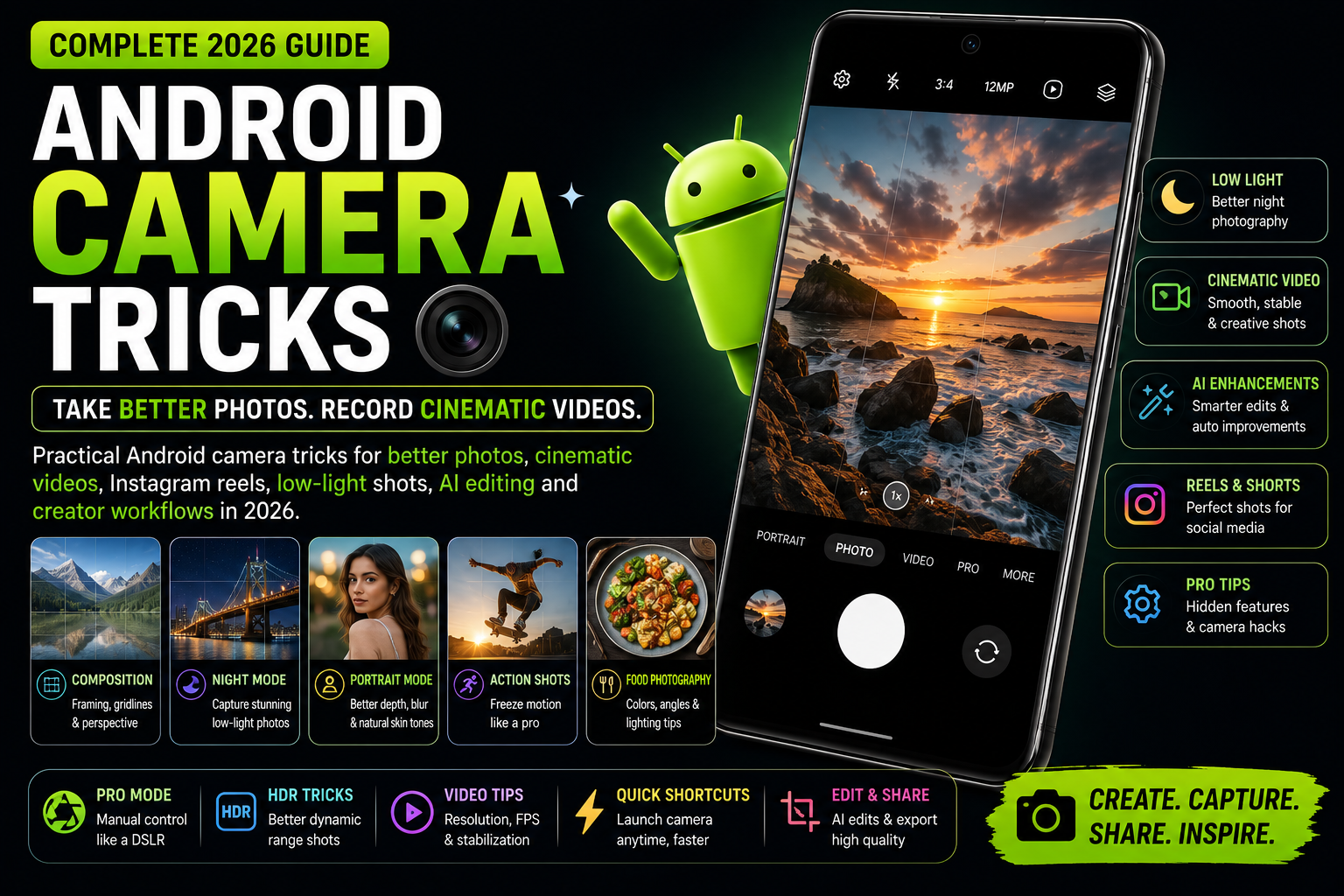
Android Camera Tricks is a detailed long-form smartphone photography guide focused on improving real-world photo and video quality using Android phones. This guide covers AI camera tools, low-light photography, creator workflows, social media recording settings, gaming recording tips, storage management for 4K videos, stabilization tricks, portrait photography and practical camera settings for Samsung, Pixel, Xiaomi, Vivo, OPPO, OnePlus and other Android devices.
Quick Verdict
Main rule: Better smartphone photography usually depends more on lighting, framing and settings than megapixel numbers.
Best for: Creators, Instagram users, YouTube Shorts creators, travelers, students, vloggers and Android users who want better photo quality.
Avoid if: You expect DSLR-level results from low-end budget phones without improving lighting or camera settings.
Best by Use Case
Instagram Reels
Use 1080p 60fps with stabilization enabled for smoother uploads and smaller file sizes.
YouTube videos
Use 4K 30fps with proper lighting and external audio for more professional results.
Low-light photography
Use Night Mode with stable hands or a tripod instead of relying only on flash.
Travel photography
Use HDR carefully during daytime and ultrawide mode for landscapes.
Gaming clips
Reduce screen brightness slightly and disable notifications while recording gameplay.
Comparison Advice
- Samsung phones usually offer vibrant colors and excellent video stability.
- Pixel phones deliver strong AI processing and natural photography.
- Vivo and Xiaomi flagship phones often focus heavily on portrait and zoom performance.
- OnePlus phones are strong for smooth video workflows and fast exporting.
- Budget phones may have high megapixel counts but weaker processing quality.
Mistakes to Avoid
- Using maximum zoom constantly
- Recording 4K videos unnecessarily
- Ignoring lighting conditions
- Using dirty camera lenses
- Overusing beauty filters
- Holding phones unstably while recording
- Leaving storage almost full during video recording
- Trusting megapixel numbers alone
Deal Advice
- If camera quality matters most, prioritize sensor quality and image processing instead of raw megapixel marketing.
- Phones with optical image stabilization usually perform better for videos and night shots.
- Creators should prioritize storage, stabilization and microphone quality alongside camera hardware.
- A balanced flagship often performs better overall than camera-focused phones with weak software optimization.
Why Most Smartphone Photos Still Look Bad
Many Android users assume expensive phones automatically produce great photos, but real-world photography depends heavily on lighting, framing and camera settings.
Even flagship phones struggle in poor lighting if the user does not understand exposure, stabilization or lens limitations.
Most blurry photos are caused by movement, dirty lenses or incorrect zoom usage rather than weak camera hardware.
Always Clean the Camera Lens First
One of the simplest but most ignored camera tricks is cleaning the camera lens properly.
Fingerprint oil and dust reduce sharpness, increase glare and make night photos look soft.
Use a microfiber cloth before important photos or videos.
Best Android Camera Settings You Should Change
- Enable grid lines for better framing
- Use HDR only when needed
- Turn on stabilization for videos
- Use HEIF format if supported for storage savings
- Disable aggressive beauty filters
- Use 1080p 60fps for social media videos
- Use 4K 30fps for cinematic footage
- Enable Pro Mode only if you understand manual controls
How to Take Better Low-Light Photos
Low-light photography is where smartphone cameras struggle the most.
Night Mode helps significantly, but stability matters more than many users realize.
Holding the phone steady for even one extra second improves sharpness dramatically.
- Use Night Mode with stable hands
- Avoid digital zoom at night
- Use nearby light sources creatively
- Tap to focus manually
- Lower exposure slightly for neon lighting
Best Video Recording Settings for Creators
Creators often record at unnecessarily high resolutions, creating huge files and slower editing workflows.
For Instagram Reels and YouTube Shorts, 1080p 60fps is usually the best balance.
4K should mainly be used for travel videos, cinematic footage or future cropping flexibility.
- 1080p 60fps for reels
- 4K 30fps for cinematic shots
- Use external microphones whenever possible
- Avoid shaky handheld zoom shots
- Keep enough free storage before recording
Portrait Photography Tricks
Portrait mode works best when lighting is soft and the subject is separated from the background.
Many users stand too close to subjects, causing edge detection problems.
Natural lighting near windows often produces better portraits than harsh sunlight outdoors.
Understanding Smartphone Zoom
Most Android phones use digital zoom at certain levels, which reduces quality quickly.
Optical zoom from telephoto cameras performs much better for portraits and distant subjects.
Budget phones often advertise high zoom levels that are mostly software-based.
AI Camera Features That Actually Help
AI photography tools are improving rapidly, but not every feature is useful.
The best AI camera tools save time through object removal, stabilization, sky replacement and quick enhancement.
- AI object removal
- Magic Editor
- AI stabilization
- AI sky enhancement
- Face optimization
- Auto framing
Travel Photography Tips
Travel photos look better when users focus on composition instead of taking hundreds of random shots.
Morning and evening lighting produce much better smartphone photos than harsh afternoon sunlight.
Ultrawide cameras are excellent for landscapes but weaker at night.
Managing Storage for Camera Usage
4K recording and burst photography consume storage extremely quickly.
Creators often face performance drops when storage becomes nearly full.
Keeping at least 15-20% free storage improves overall camera stability.
How Android Brands Handle Cameras Differently
Samsung focuses heavily on video stability and social-media-friendly processing.
Pixel phones prioritize computational photography and natural colors.
Vivo and Xiaomi often push aggressive portrait and zoom capabilities.
OnePlus aims for balanced speed and smooth creator workflows.
Camera Privacy and App Permissions
Many apps request camera access unnecessarily.
Review app permissions regularly and disable camera access for apps that do not genuinely require it.
Creators should especially avoid unknown editing apps requesting gallery-wide access.
Final Verdict
Android smartphone cameras are powerful enough for creators, students and casual photographers when used correctly.
Most camera improvements come from understanding lighting, stability, framing and workflow optimization.
Practical camera habits often improve results more than upgrading to a new phone immediately.
Frequently Asked Questions
What is the best Android video setting for Instagram Reels?
1080p 60fps usually provides the best balance between quality, stabilization and upload speed.
Does megapixel count matter a lot?
Not as much as sensor quality, image processing and stabilization.
Why do my night photos look blurry?
Night photos become blurry mainly because of movement, unstable hands or dirty lenses.
Should creators always record in 4K?
No. 4K creates larger files and slower workflows. 1080p is often enough for reels and shorts.
Which Android phones have the best cameras?
Samsung Galaxy Ultra, Pixel, Vivo X-series, Xiaomi Ultra and some OPPO flagship phones are among the strongest camera-focused devices.
Does AI camera editing help?
Yes, especially for object removal, stabilization and quick enhancement workflows.
Related Reading on Godealio
More Guide Details
Article Type
evergreen_camera_guide
Platform
Android
Featured
true
Social Media Creator Workflow
A good creator workflow matters more than raw hardware after a certain point.
Creators should organize footage, thumbnails, exports and audio separately.
Batch recording and editing saves large amounts of time.