
Best Android Launchers
Practical Android launcher guide covering customization, productivity layouts, gaming setups, battery optimization, AI widgets and smooth smartphone workflows.
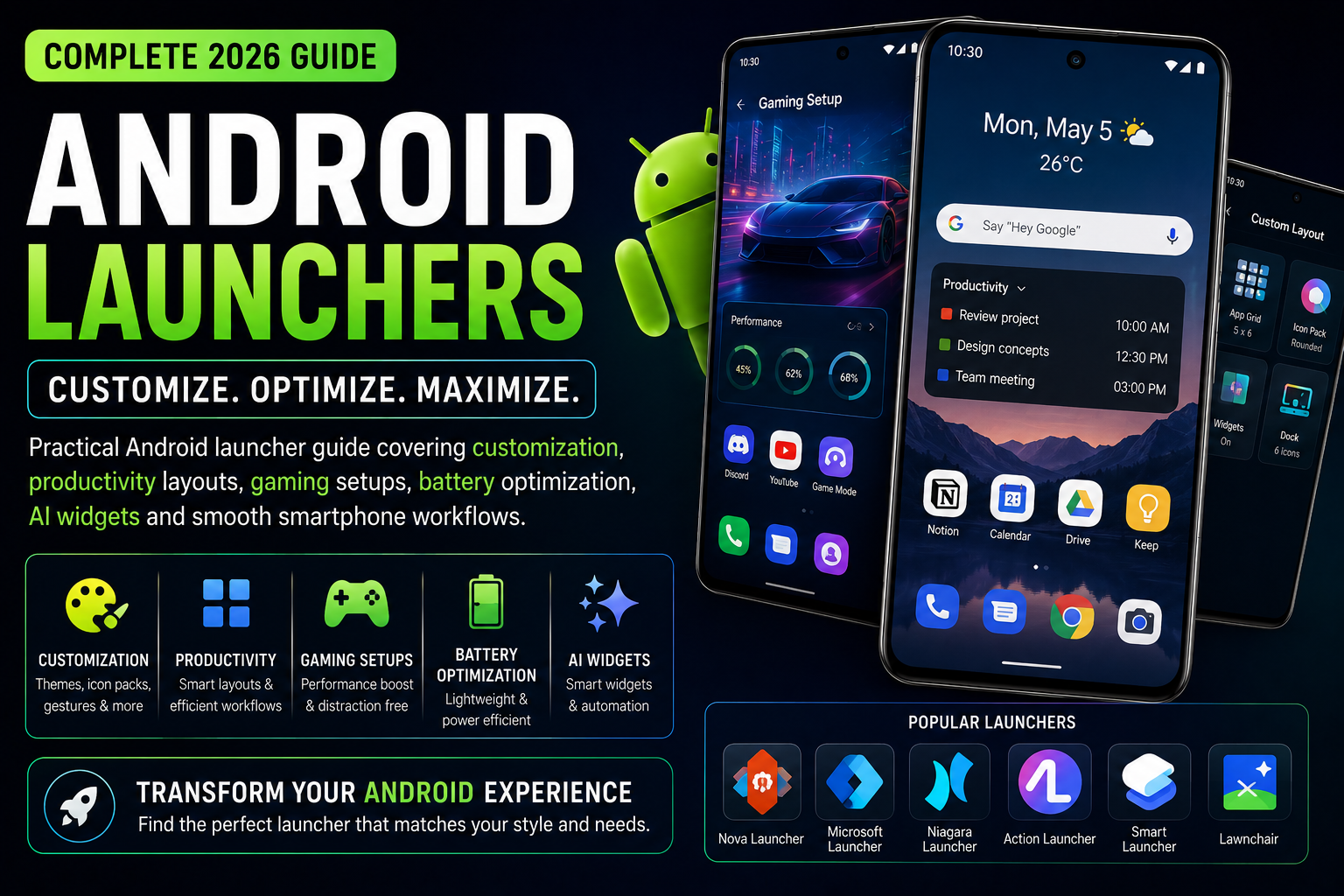
Best Android Launchers is a complete 2026 Android customization and productivity guide focused on improving smartphone usability, performance and workflow efficiency. This guide explains the best Android launchers for customization, gaming, creators, productivity, battery optimization and minimal setups. It also covers widgets, icon packs, AI integrations, gesture controls, privacy-focused launchers and practical launcher setups for Samsung, Pixel, Xiaomi, OnePlus, Motorola and other Android devices.
Quick Verdict
Main rule: The best Android launcher is the one that improves workflow speed and reduces clutter instead of adding unnecessary visual effects.
Best for: Android users, customization enthusiasts, gamers, creators, students and productivity-focused users.
Avoid if: You prefer completely stock Android experiences without customization or layout changes.
Best by Use Case
Minimal productivity
Niagara Launcher provides one-handed simplicity and reduced distraction.
Heavy customization
Nova Launcher remains one of the strongest customization-focused Android launchers.
Gaming setup
Gaming-focused launchers and folders improve app organization and quick access.
Students
Minimal launchers with focus widgets reduce distractions and improve study workflows.
Creators
Use productivity launchers with cloud, editing and upload shortcuts organized clearly.
Comparison Advice
- Stock launchers are usually smoother and more battery efficient.
- Custom launchers provide stronger personalization and workflow flexibility.
- Minimal launchers improve focus better than overloaded home screens.
- Heavy widget usage can reduce battery life and smoothness.
Mistakes to Avoid
- Installing too many widget packs
- Using excessive animations
- Overloading the home screen
- Using random icon packs without consistency
- Ignoring battery impact of live widgets
- Installing untrusted launcher APKs
- Using overly complex layouts
- Keeping duplicate shortcuts everywhere
Deal Advice
- Phones with larger displays benefit more from advanced launcher customization.
- Minimal launchers often improve battery life slightly by reducing visual clutter.
- Gaming phones benefit from organized launcher setups for faster access.
- Creators should prioritize workflow speed over flashy customization.
Why Android Launchers Matter in 2026
Android launchers completely change how smartphones feel and operate daily.
Unlike iPhones, Android devices allow deep home-screen customization, gesture setups and workflow personalization.
The right launcher can improve productivity, reduce distractions and make phones feel significantly faster.
Stock Launchers vs Custom Launchers
Stock launchers usually provide better optimization, smoother animations and cleaner battery behavior.
Custom launchers focus more on flexibility, layout control and advanced workflows.
Choosing between them depends on whether users prioritize simplicity or customization.
Nova Launcher Remains a Customization Favorite
Nova Launcher remains one of the most popular Android launchers because of its balance between performance and flexibility.
Users can customize gestures, icon packs, app drawers and grid layouts deeply.
- Advanced gesture support
- Custom app drawer layouts
- Icon pack compatibility
- Backup and restore layouts
- Smooth animations
Niagara Launcher for Minimal Productivity
Niagara Launcher focuses heavily on simplicity and one-handed usage.
Minimal layouts reduce distraction and improve focus significantly for productivity users.
- One-handed navigation
- Minimal notifications
- Reduced visual clutter
- Faster workflow access
Launcher Setups for Gamers
Gamers benefit from organized launcher setups with fast access to games, performance tools and recording apps.
Minimal background widgets also help maintain smoother gaming performance.
- Dedicated gaming folders
- Performance shortcuts
- Screen recording quick access
- Battery optimization widgets
Best Launcher Workflows for Creators
Creators often manage editing apps, thumbnails, cloud storage and uploads continuously.
A clean creator-focused home screen improves workflow speed dramatically.
- Editing app organization
- Thumbnail shortcuts
- Cloud upload widgets
- Battery monitoring
- Quick camera access
Best Android Widgets for Productivity
Widgets improve Android usability significantly when used properly.
However, excessive widget usage can reduce battery life and clutter the home screen.
- Calendar widgets
- Battery widgets
- AI assistant widgets
- Weather widgets
- Task management widgets
AI Features and Smart Launcher Tools
Modern launchers increasingly integrate AI widgets, smart suggestions and contextual shortcuts.
AI-based app recommendations can improve workflow efficiency for heavy users.
- AI app suggestions
- Smart search bars
- Context-aware shortcuts
- Productivity recommendations
How Launchers Affect Battery and Performance
Heavy launchers with excessive animations and widgets can reduce battery life.
Minimal launchers usually feel smoother on older devices.
- Reduce live widgets
- Disable excessive animations
- Avoid heavy live wallpapers
- Use lightweight icon packs
Launcher Privacy and Security
Launchers often request accessibility permissions, notification access and usage tracking.
Users should only install trusted launchers from reputable developers.
- Avoid unknown launcher APKs
- Review permissions carefully
- Use trusted developers only
- Disable unnecessary analytics
Best Android Home Screen Layout Ideas
Good home screen layouts improve efficiency and reduce distraction.
Many users become less productive because of cluttered app organization.
- Minimal single-page layouts
- Creator dashboard layouts
- Gaming-focused layouts
- Study-focused setups
- Travel quick-access layouts
How Android Brands Handle Launchers Differently
Samsung One UI focuses heavily on productivity and multitasking.
Pixel Launcher emphasizes simplicity and AI integration.
Xiaomi HyperOS focuses more on customization and visual design.
Motorola and Nothing OS emphasize cleaner experiences.
Can Launchers Make Old Phones Faster?
Lightweight launchers can improve the experience on older Android devices significantly.
Reducing animations, widgets and background effects often makes old phones feel smoother.
The Future of Android Launchers
Android launchers are increasingly integrating AI suggestions, contextual workflows and smarter widgets.
Future launcher experiences will likely become more adaptive and personalized.
Final Verdict
Android launchers remain one of the biggest reasons Android feels more flexible than other smartphone ecosystems.
The best launcher setup improves usability, productivity and workflow speed instead of simply adding visual effects.
Minimal and organized home screens usually create the best long-term smartphone experience.
Frequently Asked Questions
What is the best Android launcher in 2026?
Nova Launcher and Niagara Launcher remain among the best Android launchers depending on customization and productivity needs.
Do launchers slow down Android phones?
Heavy launchers with excessive widgets and animations can reduce smoothness, especially on older devices.
Are Android launchers safe?
Trusted launchers from reputable developers are generally safe, but unknown APK launchers can be risky.
Which launcher is best for productivity?
Niagara Launcher and minimal productivity-focused launchers work well for reducing distractions.
Can launchers improve battery life?
Lightweight launchers with fewer widgets and animations can slightly improve battery efficiency.
Which Android launcher is best for gaming?
Gaming-focused setups usually benefit from organized layouts and lightweight launchers with fewer background widgets.
Related Reading on Godealio
- Best Android Apps for Productivity
- Best Android AI Features in 2026
- Android Features That Beat iPhone
- Best creator smartphones
- Compare phones
- Latest mobile offers
- Best Android Widgets
- Android Automation Tricks
- Android Battery Saving Guide
- Android Camera Tricks
- Android Privacy Features
- Android Security Settings Guide
More Guide Details
Article Type
evergreen_launcher_guide
Platform
Android
Featured
true