
Best Android AI Features in 2026
Updated September 2026 guide to Gemini, Circle to Search, Gemini Live, Galaxy AI, agentic Android features, AI editing, translation, accessibility, productivity, privacy and real-world smartphone workflows.
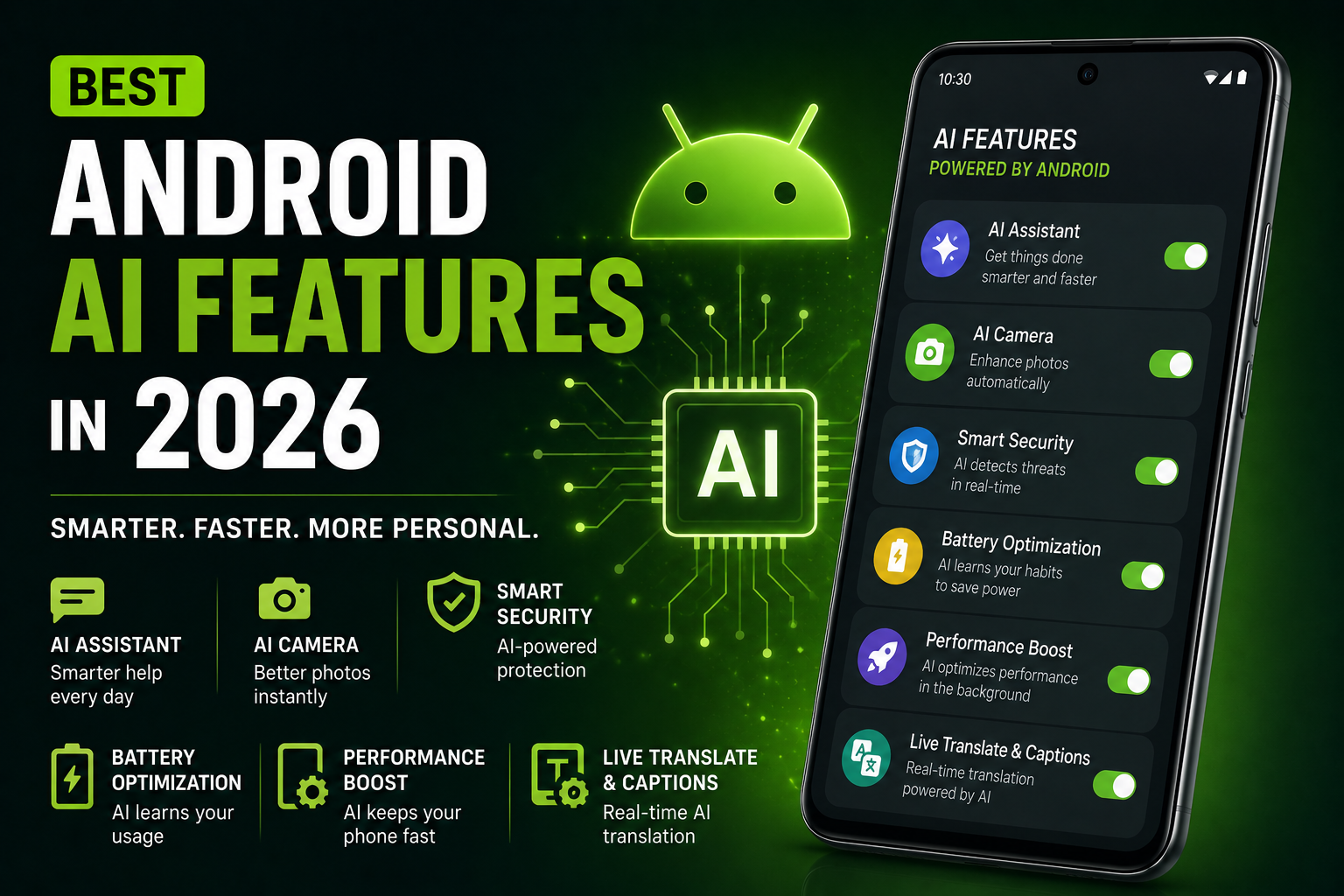
Updated for September 2026, this practical guide explains the Android AI features that matter most in daily use. It covers Gemini and Gemini Live, Circle to Search with multi-object recognition, Gemini Intelligence, Galaxy AI features such as Now Nudge and Now Brief, AI photo editing, translation, transcription, call tools, accessibility, battery optimisation and privacy. The focus is on what each feature does, where it is available, what hardware or cloud processing it may require, and which workflows are genuinely useful.
Quick Verdict
Main rule: The best Android AI features are the ones that save time daily instead of only creating flashy demos.
Best for: Creators, students, office users, travelers, gamers and Android users interested in AI productivity tools.
Avoid if: You expect AI to fully replace human workflows or work perfectly without internet connectivity.
Best by Use Case
Search and shopping
Circle to Search is one of Android's most practical visual-search tools. In 2026 it gained multi-object recognition, making it possible on supported devices to identify multiple items from one image or outfit.
Conversational assistant
Gemini and Gemini Live are the strongest general-purpose Android AI tools for natural conversation, research, planning and connected productivity workflows.
Hands-free productivity
Gemini Live can help manage tasks through voice, including supported inbox and schedule workflows when the required app connections and account features are enabled.
Samsung productivity
Galaxy AI combines contextual suggestions, personalized briefings, transcription, translation, photo editing and conversational device control on compatible Galaxy devices.
Creators
AI photo editing, natural-language editing, object removal, image generation, transcription and subtitle tools can materially shorten mobile content workflows.
Students
Gemini, transcription, summaries, translation, visual search and note tools are useful for research and study, but generated answers should still be checked against primary sources.
Travel
Circle to Search translation, Gemini planning, live translation and visual search are useful for menus, signs, products and local information.
Accessibility
Android's September 2026 feature drop adds Guided vision, which can describe surroundings through the camera on supported configurations.
Personal organisation
Gemini can now work with Find Hub in supported rollouts to remember where you placed everyday items such as keys or a passport.
Comparison Advice
- Do not compare phones only by the number of advertised AI features; compare which tools are available on your exact device, language and region.
- Google's Android AI layer increasingly centres on Gemini, Gemini Live, Circle to Search and Gemini Intelligence.
- Samsung adds one of the deepest manufacturer AI layers through Galaxy AI, Now Nudge, Now Brief, Photo Assist and conversational Bixby on newer Galaxy devices.
- Some features are processed on-device while others use cloud services; privacy and connectivity requirements differ by feature.
- Long software support matters because major AI capabilities increasingly arrive through Android, Google app and manufacturer updates.
- AI feature availability can differ by phone generation, chipset, RAM, account, language, country and software version.
Mistakes to Avoid
- Enabling every AI feature blindly
- Ignoring privacy permissions
- Using unknown AI apps
- Expecting AI-generated edits to always look natural
- Uploading sensitive documents to random AI tools
- Keeping AI features running continuously in background
Deal Advice
- Phones with longer software support usually receive better future AI features.
- AI-focused phones benefit more from stronger processors and larger RAM.
- Creators should prioritize storage and thermal management alongside AI tools.
- Flagship phones generally process AI tasks faster and more smoothly.
Why Android AI Features Matter in September 2026
Android AI has moved beyond isolated photo tricks. The platform is increasingly combining generative assistants, visual search, contextual suggestions, accessibility and automation into everyday workflows.
The most useful features reduce the number of steps needed to search, understand, edit, communicate or organise information. The important buying question is no longer simply whether a phone has AI, but which features are supported on the exact device and how reliably they fit your workflow.
Availability still varies by model, software version, Google or manufacturer account, language and region, so buyers should verify individual features rather than assuming every Android AI tool works on every phone.
Gemini and Gemini Live: Android's Main AI Assistant Layer
Gemini has become central to Google's AI experience on Android, supporting conversational questions, multimodal input, planning, writing and connected-app workflows.
Gemini Live has expanded beyond simple conversation. Google's August 2026 update introduced productivity features including Personal Intelligence, Daily Brief and supported hands-free inbox workflows, moving the experience closer to an agent that can help execute multi-step tasks.
These advanced workflows can depend on connected apps, account settings, subscriptions or staged rollouts. Do not assume that every Gemini capability is available on every Android phone.
- Natural voice conversation
- Research and planning
- Multimodal questions
- Connected-app workflows
- Daily briefing and personal context where supported
- Hands-free productivity
Gemini Intelligence and Proactive Android AI
Google introduced Gemini Intelligence in 2026 as part of Android's shift toward more proactive assistance. Its direction includes automating complex tasks, summarising web content and reducing repetitive form-filling or information-entry work.
This is an important change because Android AI is increasingly expected to understand context and help complete workflows instead of waiting for a single isolated prompt.
Rollout is device-dependent, so treat Gemini Intelligence as an evolving capability rather than a universal Android feature.
Circle to Search: Multi-Object Search, Shopping and Translation
Circle to Search remains one of the most immediately useful Android AI features because it searches what is already visible on your screen without requiring a screenshot or app switch.
In 2026 Google expanded it with multi-object image recognition. On supported devices, users can identify multiple pieces of an outfit or several objects in one scene instead of searching each item separately.
Continuous scroll-and-translate functionality also makes Circle to Search useful for foreign-language social posts, menus, websites and travel information.
- Multi-object visual search
- Product identification
- Shopping research
- Text recognition
- Scroll-and-translate
- Image-based questions
- Virtual try-on experiences where available
Galaxy AI in 2026: Now Nudge, Now Brief, Bixby and Photo Assist
Samsung's Galaxy S26 generation shows how manufacturer AI is becoming more contextual. Now Nudge can recognise on-screen context and suggest relevant next actions, while Now Brief surfaces personalised reminders and information.
Samsung also upgraded Bixby toward more natural conversational device control, while Galaxy devices can integrate Gemini and other supported agents for broader tasks.
Photo Assist on newer Galaxy devices supports natural-language editing prompts, reducing the need to manually select every editing operation.
- Now Nudge contextual suggestions
- Personalised Now Brief
- Conversational Bixby
- Gemini integration
- Natural-language Photo Assist
- Creative Studio
- Circle to Search multi-object recognition
New Android AI Features Added in September 2026
Google's September 2026 Android feature drop added several capabilities that make this guide materially different from its June version.
Gemini can work with Find Hub to remember where supported users placed everyday items. Guided vision can provide descriptions of surroundings through the camera, adding an accessibility-focused AI use case.
The same Android drop also introduced Motion Assist for reducing motion sickness and collaboration features in Google Messages, illustrating how Google's broader intelligent Android experience now extends beyond a standalone assistant.
- Gemini memory with Find Hub
- Guided vision
- Motion Assist
- Collaborative notes in Google Messages
- Additional Android personalisation
AI Features for Photos, Video and Creators
AI editing is most valuable when it shortens repetitive work rather than replacing creative judgement. Object removal, generative fill, natural-language edits, audio cleanup, transcription and subtitle generation can turn a phone into a useful first-stage production tool.
Generative edits can create visual details that never existed in the original scene. Keep original files when authenticity, journalism, documentation or evidence matters.
- Object removal
- Generative fill
- Natural-language photo editing
- Portrait and low-light processing
- Transcription
- Automatic subtitles
- Audio cleanup
- Image enhancement
AI for Students, Meetings and Office Work
The strongest productivity use cases are summarising notes, transcribing meetings or lectures, translating text, extracting information from images and helping organise tasks.
AI summaries should be treated as a convenience layer rather than an authoritative record. Important meeting decisions, academic citations, calculations and factual claims should be checked against the original material.
- Lecture and meeting transcription
- Document summaries
- Writing assistance
- Translation
- Visual research
- Calendar and task assistance
- Voice-note organisation
Travel, Translation and Visual Understanding
Android AI can reduce friction while travelling through translation, visual search and conversational planning. Circle to Search is useful when text or objects are already on screen, while Gemini can help organise itineraries and explain unfamiliar places or items.
Do not rely on AI alone for visa rules, emergency information, medical instructions or other high-stakes travel decisions.
Accessibility Is Becoming a Major Android AI Use Case
The September 2026 Android update highlights accessibility as an important AI category. Guided vision can describe surroundings using the phone camera on supported configurations.
AI-assisted captions, transcription, voice interaction and visual descriptions can make smartphones easier to use for people with different accessibility needs, although accuracy should not be assumed in safety-critical situations.
AI Gaming Features: Useful, but Hardware Still Matters More
Phone makers increasingly use machine learning for thermal management, frame scheduling, touch behaviour, network optimisation and battery control.
These systems can improve consistency, but an AI gaming label cannot compensate for a weak GPU, insufficient cooling or poor game optimisation. Buyers should still prioritise chipset, sustained performance, display response and thermal design.
On-Device AI vs Cloud AI: Privacy Matters
Android AI features can use a mixture of on-device and cloud processing. Cloud processing may send selected prompts, images, audio or documents to a provider's servers.
Samsung, for example, provides controls for certain Galaxy AI processing choices, while Google's and other manufacturers' behaviour depends on the specific feature and service.
Avoid submitting passwords, identity documents, confidential company material, financial credentials or sensitive personal information unless the service is approved for that data.
- Review app permissions
- Check whether processing is local or cloud-based
- Review connected-app access
- Use screen lock and two-factor authentication
- Keep Android and Google Play system updates current
- Remove unused AI-app permissions
How to Compare Android AI Phones
Start with software support, chipset/NPU capability, RAM and storage, because these influence whether a phone can receive and run future AI features comfortably.
Then compare the AI workflows you actually need. A student may value transcription and summaries, a creator may prioritise photo and video tools, and an office user may care more about translation, calls, notes and scheduling.
- Length of OS and security support
- Processor/NPU capability
- At least 8GB physical RAM for premium AI-focused use
- Enough storage for media and offline models
- Supported AI features on the exact model
- Language and India availability
- On-device versus cloud processing
- Subscription requirements
Final Verdict: The Best Android AI Features in 2026
Gemini and Gemini Live provide the broadest general AI layer, while Circle to Search remains one of the fastest ways to turn anything visible on screen into a useful search or shopping workflow.
Samsung's Galaxy AI is especially strong for deeply integrated contextual and productivity features, while Google's 2026 Android updates show a clear shift toward proactive, agentic and accessibility-focused intelligence.
Choose a phone for the AI features you will use repeatedly, its update commitment and overall hardware quality—not for the number of AI labels on its product page.
Frequently Asked Questions
What are the best Android AI features in September 2026?
Gemini, Gemini Live, Circle to Search, transcription and summaries, AI photo editing, translation and contextual tools such as Galaxy AI's Now Nudge and Now Brief are among the most practically useful features.
What changed in Android AI in September 2026?
Google's September Android feature drop added features including Gemini integration with Find Hub for remembering where items were placed and Guided vision for camera-based descriptions of surroundings on supported configurations.
What is multi-object Circle to Search?
It allows supported Android devices to identify and search multiple objects from the same image or scene instead of requiring a separate search for each item.
Can Gemini Live perform tasks for me?
Gemini Live has expanded into supported productivity workflows such as connected inbox and scheduling tasks. Availability depends on account, app connections, region and rollout.
What is Gemini Intelligence on Android?
Gemini Intelligence is Google's evolving proactive AI layer for Android, designed to help with tasks such as automation, web summaries, contextual assistance and form filling on supported devices.
Which Android brand has the most integrated AI features?
Google provides the core Gemini and Android AI layer, while Samsung offers one of the deepest manufacturer integrations through Galaxy AI, Now Nudge, Now Brief, Photo Assist and Bixby on compatible devices.
Do Android AI features require internet access?
Many advanced generative and assistant features use cloud processing and need internet access, while some camera, device and language features can run partly or fully on-device.
Do Android AI features work on every Android phone?
No. Availability depends on device generation, chipset, RAM, Android version, manufacturer software, Google account, language, country and staged rollout.
Are AI photo edits reliable as evidence?
No. Generative editing can add or remove visual information. Keep the original photo or video whenever authenticity or evidence matters.
How much RAM is useful for an AI-focused Android phone?
For a new premium or mid-range AI-focused phone in 2026, 8GB physical RAM is a sensible baseline, with 12GB useful for heavier multitasking and longer ownership.
Related Reading on Godealio
- Android Automation Tricks
- Android Features That Beat iPhone
- Android Privacy Features
- Best AI phones
- Compare phones
- Latest mobile offers
- 7 New Android Features Coming to Your Phone in June
- Xiaomi 17 Review: The Best Compact Android Flagship of 2026?
- Android vs iPhone: Which Should You Buy in 2026?
- Google Pixel 10 Pro XL Review: The Smartest Android Flagship of 2026
More Guide Details
Article Type
evergreen_ai_guide
Platform
Android
Featured
true
Feature Matrix
Feature
Gemini
Category
Assistant / generative AI
Best For
Research, writing, planning, multimodal questions
Internet
Usually required for advanced cloud features
Availability Note
Broad Android availability varies by device, account, language and region.
Feature
Gemini Live
Category
Conversational / agentic AI
Best For
Hands-free conversation and supported productivity tasks
Internet
Required for most advanced workflows
Availability Note
Capabilities and connected apps vary by account and rollout.
Feature
Circle to Search
Category
Visual search
Best For
Products, text, images, translation and shopping
Internet
Generally required for search results
Availability Note
Available on supported Android devices; 2026 updates added multi-object recognition.
Feature
Gemini Intelligence
Category
Contextual / proactive AI
Best For
Automation, summaries, autofill and contextual assistance
Internet
Mixed local/cloud processing
Availability Note
Rolling out on select devices and expanding over time.
Feature
Galaxy AI / Now Nudge
Category
Contextual assistance
Best For
Suggested actions based on on-screen context
Internet
Depends on task
Availability Note
Newer compatible Samsung Galaxy devices; exact feature availability varies.
Feature
Galaxy AI / Now Brief
Category
Personal briefing
Best For
Reminders, schedule context and personalized insights
Internet
Mixed
Availability Note
Availability and supported data sources vary by Galaxy model and region.
Feature
Photo Assist
Category
Generative photo editing
Best For
Natural-language edits and object/scene changes
Internet
Some operations may use cloud AI
Availability Note
Compatible Galaxy devices and supported languages.
Feature
Live translation
Category
Language AI
Best For
Travel, calls, messages and foreign-language content
Internet
Varies by implementation
Availability Note
Languages and devices vary.
Feature
Transcription and summaries
Category
Productivity
Best For
Meetings, lectures, voice notes and documents
Internet
Local/cloud varies
Availability Note
Quality depends on language, audio and app.
Feature
Guided vision
Category
Accessibility AI
Best For
Audio descriptions of surroundings
Internet
Feature dependent
Availability Note
Introduced in the September 2026 Android feature drop for supported setups.
Sources and Verification
September Android Drop: 5 new Android features
A smarter, more proactive Android with Gemini Intelligence
Turn your voice into action with new productivity features in Gemini Live
See the whole picture and find the look with Circle to Search
Samsung Unveils Galaxy S26 Series: The Most Intuitive Galaxy AI Phone Yet
Samsung India