
Android Privacy Features
Practical Android privacy guide covering app permissions, AI privacy, location tracking, camera access, secure browsing, anti-theft tools and digital safety in 2026.
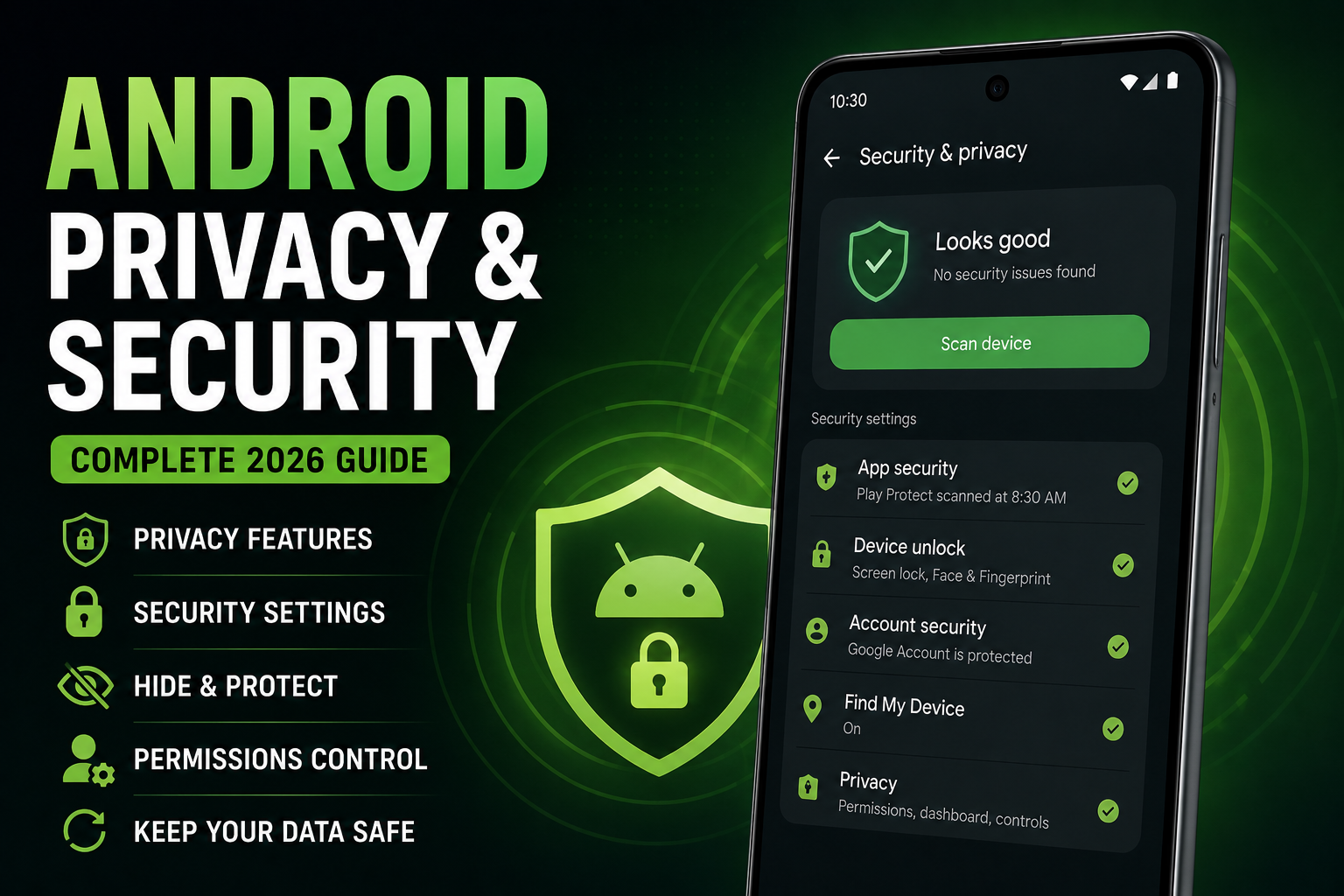
Android Privacy Features is a detailed long-form privacy and security guide designed for Android users who want better control over personal data, app permissions, AI tools and online safety. This guide explains modern Android privacy settings, hidden tracking risks, secure browsing, notification privacy, anti-theft protection, creator privacy workflows, AI permissions and practical smartphone security habits for daily use.
Quick Verdict
Main rule: Most Android privacy risks come from excessive permissions, background tracking and careless app installation habits rather than hacking alone.
Best for: Android users, creators, travelers, students, office users and people concerned about online privacy and app tracking.
Avoid if: You expect complete privacy while using every AI feature and social media app without restrictions.
Best by Use Case
Travel
Enable theft protection, secure lock screen notifications and Find My Device before traveling.
Creators
Review camera, microphone and gallery permissions regularly for editing apps.
Students
Restrict background location access and unnecessary notification permissions.
Office users
Use separate work profiles and secure authentication methods.
AI feature users
Understand which AI tools process data locally and which require cloud access.
Comparison Advice
- Android privacy has improved massively in recent years through permission controls and privacy dashboards.
- Samsung Knox and Pixel security features are now extremely advanced.
- Android gives users more manual control over permissions compared to older versions.
- Privacy depends more on user behavior than operating system marketing.
Mistakes to Avoid
- Granting full location access unnecessarily
- Allowing every app microphone access
- Installing unknown APK files
- Ignoring permission warnings
- Using weak screen lock passwords
- Sharing full gallery access with random apps
- Leaving Bluetooth enabled continuously
- Ignoring software updates
Deal Advice
- Flagship Android phones usually receive faster security updates.
- Samsung and Pixel devices currently offer some of the strongest Android security ecosystems.
- Long-term software support matters more than raw specifications for privacy.
- Avoid ultra-cheap unknown-brand phones with weak update policies.
Why Android Privacy Matters More in 2026
Modern smartphones store banking information, private chats, passwords, photos, documents and location history.
At the same time, AI tools and connected apps now process larger amounts of user data than ever before.
Privacy is no longer only about hackers. It is also about controlling what apps, advertisers and AI systems can access.
Android Privacy Dashboard Explained
Modern Android versions include a Privacy Dashboard that shows which apps recently used your camera, microphone and location.
This feature helps users identify suspicious behavior and unnecessary permissions.
- Check microphone access regularly
- Review location usage weekly
- Disable permissions for unused apps
- Monitor background activity
App Permissions You Should Review Immediately
Many apps request permissions they do not genuinely require.
Shopping apps, wallpaper apps and editing tools often request excessive access.
- Camera access
- Microphone access
- Precise location
- Contacts access
- Notification access
- Full gallery access
How Location Tracking Affects Privacy
Location tracking reveals daily routines, workplaces, travel habits and home addresses.
Many apps track location even when they are not actively being used.
- Use approximate location when possible
- Disable always-on location access
- Turn off Wi-Fi scanning
- Review Google location history
Lock Screen and Notification Privacy
Notifications often expose sensitive information on lock screens.
OTP codes, banking alerts and private messages should not always appear publicly.
- Hide sensitive notification content
- Disable previews for banking apps
- Use secure lock screen methods
- Limit app notification permissions
Camera and Microphone Privacy
Modern Android phones show indicators when apps access the camera or microphone.
This is extremely useful for identifying suspicious background behavior.
- Review editing app permissions
- Disable microphone access for unused apps
- Watch for unexpected access indicators
- Use trusted camera apps only
AI Features and Privacy Risks
AI assistants and smart tools often require internet access and cloud processing.
Some AI systems process information locally, while others send data to remote servers.
Users should understand what data AI tools collect before enabling every feature.
- Review AI permissions carefully
- Disable cloud syncing if unnecessary
- Avoid sharing sensitive documents with unknown AI apps
- Understand voice assistant data usage
Android Anti-Theft and Device Protection
Modern Android devices include powerful anti-theft tools that many users never enable.
Find My Device, remote locking and theft protection features are essential during travel.
- Enable Find My Device
- Use biometric authentication
- Turn on remote wipe options
- Enable theft protection
Safe Browsing and Public Wi-Fi Safety
Public Wi-Fi networks increase privacy risks significantly.
Users should avoid sensitive banking and payment activities on unknown public networks.
- Use HTTPS websites
- Avoid unknown public Wi-Fi
- Disable auto-connect networks
- Use secure browsers
Privacy Tips for Creators and Influencers
Creators often install many editing, camera and AI apps, increasing privacy exposure.
Location metadata inside photos and videos can accidentally reveal private places.
- Remove location metadata before posting
- Review editing app permissions
- Avoid unknown AI editing apps
- Separate personal and creator accounts
Privacy Tips for Students and Younger Users
Students are heavily targeted by spam links, fake apps and tracking-heavy social platforms.
Digital privacy awareness is becoming as important as traditional online safety.
- Avoid unknown APK files
- Use parental controls if needed
- Limit social app permissions
- Review installed apps monthly
Why Security Updates Matter
Software updates are one of the most important privacy protections available.
Security patches fix vulnerabilities that attackers actively exploit.
- Install updates regularly
- Avoid unsupported old devices
- Enable automatic security updates
- Use phones with longer update policies
Android Privacy vs iPhone Privacy
Apple markets privacy heavily, but Android privacy controls have improved dramatically.
Samsung Knox, Pixel security features and Android permission systems now offer strong protection.
Real-world privacy still depends heavily on user behavior.
Final Verdict
Android privacy is no longer weak compared to older Android generations.
Modern Android phones provide strong security tools, detailed permission controls and advanced anti-theft features.
The biggest privacy improvement still comes from careful app installation habits and smarter permission management.
Frequently Asked Questions
Are Android phones secure in 2026?
Yes. Modern Android phones from major brands now offer strong privacy and security protections.
Which Android brand has the best privacy features?
Samsung and Pixel phones currently offer some of the strongest Android security ecosystems.
Should I disable location access completely?
Not always. Use approximate or limited location access instead of permanent tracking.
Are AI apps risky for privacy?
Some AI apps collect large amounts of data, so users should review permissions carefully.
Do antivirus apps help on Android?
Most users mainly need safe app habits and regular updates rather than heavy antivirus software.
Can apps secretly use my camera?
Modern Android versions show indicators when camera or microphone access is active.
Related Reading on Godealio
More Guide Details
Article Type
evergreen_privacy_guide
Platform
Android
Featured
true