
Hidden Android Features Most Users Ignore
Practical Android hidden-features guide covering AI tools, multitasking tricks, creator workflows, privacy settings, battery optimization and productivity shortcuts.
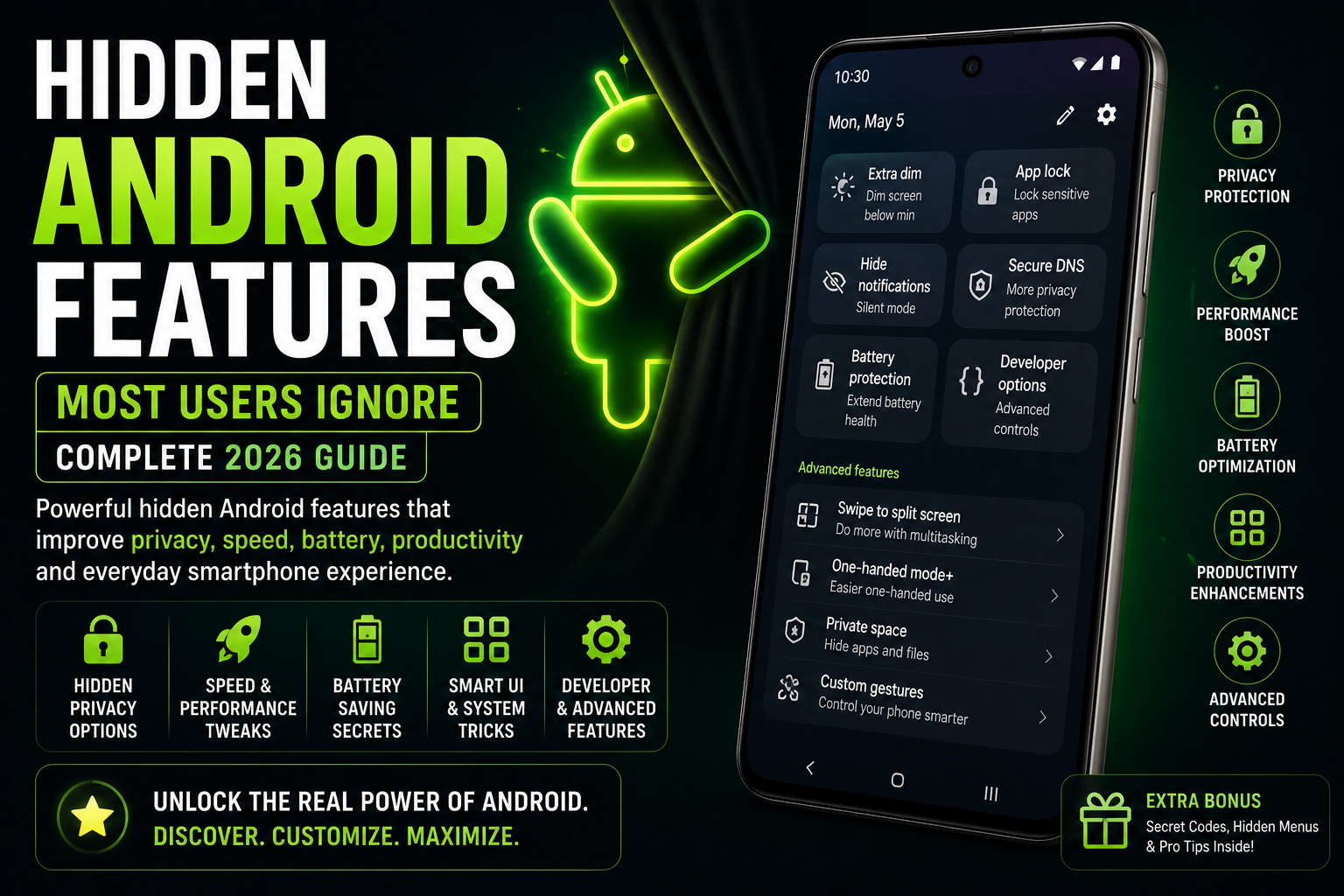
Hidden Android Features Most Users Ignore is a complete 2026 Android tips and optimization guide focused on powerful smartphone features that many users never fully explore. This guide explains hidden Android productivity tools, AI features, creator workflows, multitasking tricks, battery optimizations, privacy settings, gaming shortcuts, gesture controls and smart automation tools across Samsung Galaxy, Pixel, Xiaomi, OnePlus, Motorola and modern Android ecosystems.
Quick Verdict
Main rule: Many of Android’s best features are hidden inside settings menus and productivity tools that most users never configure properly.
Best for: Android users, creators, students, gamers, multitaskers and productivity-focused smartphone users.
Avoid if: You prefer a simple stock smartphone experience without customization or advanced workflows.
Best by Use Case
Productivity
Split-screen multitasking and app pinning improve workflow efficiency dramatically.
Creators
Hidden camera shortcuts and AI editing tools save significant editing time.
Students
Focus modes and quick-note gestures reduce distractions during studying.
Gaming
Gaming dashboards and performance overlays improve long gaming sessions.
Travel
Offline translation, emergency sharing and quick-access controls improve convenience.
Comparison Advice
- Android offers deeper customization and hidden productivity tools than most smartphone ecosystems.
- Samsung Galaxy devices usually include more advanced hidden productivity settings.
- Pixel phones focus more on AI-powered smart features.
- Most users only utilize a small percentage of Android’s actual capabilities.
Mistakes to Avoid
- Ignoring accessibility shortcuts
- Leaving battery optimization disabled
- Not configuring focus modes
- Overusing background apps
- Ignoring privacy dashboard settings
- Using default notification overload
- Not enabling emergency tools
- Ignoring hidden multitasking features
Deal Advice
- Large-display phones improve multitasking and hidden productivity workflows significantly.
- Flagship Android phones often receive advanced AI and automation features first.
- Good RAM management improves hidden multitasking features noticeably.
- Creators benefit heavily from hidden camera and workflow shortcuts.
Split-Screen Multitasking Is Extremely Underrated
Android split-screen multitasking remains one of the platform’s strongest productivity advantages.
Users can browse, take notes, watch tutorials and message simultaneously.
- Watch videos while taking notes
- Compare products quickly
- Chat while browsing
- Use calculator during research
- Edit scripts while referencing content
Circle to Search Is More Useful Than Most Users Realize
Circle to Search reduces friction by allowing users to search directly from the screen.
The feature is especially useful for shopping, translations and creator workflows.
- Instant product identification
- Fast translations
- Quick AI search
- Visual research workflows
Focus Modes and Digital Wellbeing Features
Most users ignore Android focus tools even though they reduce distractions significantly.
Focus modes help students and professionals maintain better workflow consistency.
- Disable distracting apps
- Schedule study focus modes
- Reduce notification overload
- Enable bedtime routines
App Pinning Improves Security and Privacy
App pinning locks the phone into a single app temporarily.
This is useful when sharing phones with friends, children or colleagues.
- Protect banking apps
- Limit guest access
- Secure temporary sharing
Hidden Android Storage Tools
Android includes built-in storage analysis tools that many users never fully explore.
These features help remove duplicate media, old downloads and hidden cache files.
- Duplicate file cleanup
- Unused app detection
- Automatic storage management
- Cache optimization
Gaming Features Hidden Inside Android
Gaming dashboards and performance controls improve long gaming sessions significantly.
Many Android phones include hidden gaming optimizations.
- FPS monitoring
- Gaming mode controls
- Touch optimization
- Performance balancing
- Screen recording shortcuts
Gesture Controls Most Users Ignore
Android gesture controls improve one-handed usability and workflow speed dramatically.
Many users never configure gesture customization properly.
- Double-tap shortcuts
- Quick flashlight gestures
- Back gestures
- Quick screenshot gestures
- One-handed navigation
Android Automation Features You Should Enable
Android automation tools can reduce repetitive smartphone tasks significantly.
Samsung Modes and Routines and automation systems improve workflows naturally.
- Driving automation
- Sleep routines
- Automatic silent modes
- Location-based actions
- Battery-saving routines
Hidden Privacy and Security Features
Modern Android phones include advanced privacy tools that many users never activate.
These features help monitor app behavior and reduce tracking.
- Privacy dashboard
- Camera and microphone indicators
- Location permission controls
- Clipboard access alerts
Hidden Android Features for Creators
Creators benefit heavily from hidden Android shortcuts and multitasking workflows.
Many creator tasks become faster through gestures, automation and AI assistance.
- Quick editing shortcuts
- Split-screen creator workflows
- AI subtitle tools
- Cloud upload automation
Battery Features Most Users Ignore
Android battery optimization tools are often left disabled by default workflows.
Adaptive battery and refresh-rate controls improve endurance significantly.
- Adaptive charging
- Refresh-rate optimization
- Background app control
- Thermal management
How Android Brands Hide Features Differently
Samsung devices usually provide the deepest hidden customization options.
Pixel phones emphasize AI-powered workflows and simplicity.
Xiaomi and OnePlus focus heavily on customization and multitasking flexibility.
Final Verdict
Android smartphones include many powerful hidden features that most users never fully explore.
The best hidden Android tools improve productivity, battery life and multitasking naturally.
Users who spend time optimizing Android workflows often gain far better long-term smartphone experiences.
Frequently Asked Questions
What are the most useful hidden Android features?
Split-screen multitasking, Circle to Search, focus modes and hidden camera controls are among the most useful Android features.
Do all Android phones have these hidden features?
Some features vary by brand, Android version and hardware support.
Which Android brand has the most hidden features?
Samsung Galaxy devices generally provide the deepest customization and productivity options.
Can hidden Android features improve battery life?
Yes. Adaptive battery, refresh-rate controls and background optimization help significantly.
Are hidden Android features safe to use?
Yes. Most hidden features are official Android tools and settings designed for advanced usage.
Do hidden features slow down Android phones?
Not usually, though excessive widgets and background automation can affect performance.
Related Reading on Godealio
- Best Android AI Features in 2026
- Circle to Search Explained
- Android Automation Tricks
- Best Android Launchers
- Compare phones
- Latest mobile offers
- Android Privacy Features
- 7 New Android Features Coming to Your Phone in June
- Nothing Phone 4 Review: The Most Unique Android Flagship of 2026
- Android Features That Beat iPhone
- Best Hidden iPhone Features You Should Use
More Guide Details
Article Type
evergreen_android_features_guide
Platform
Android
Featured
true