
Best Android Apps for Productivity
Practical Android productivity guide covering AI assistants, note-taking apps, creator workflows, task management, automation, study tools and work optimization.
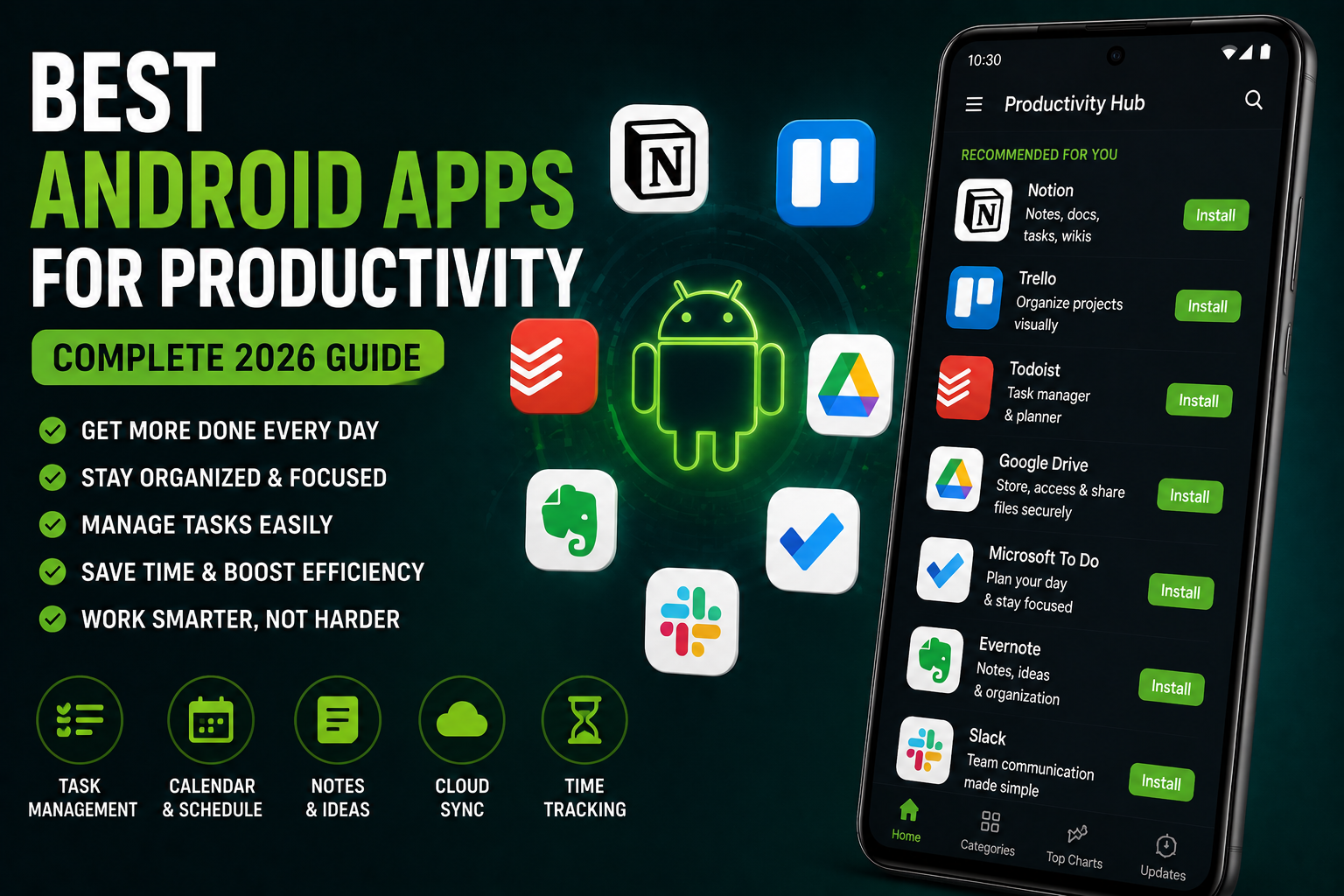
Best Android Apps for Productivity is a complete 2026 productivity guide focused on real-world Android workflows for students, office users, creators, freelancers and business users. This guide explains the best Android apps for note-taking, AI assistance, scheduling, creator workflows, file management, automation, cloud storage, communication and daily organization. It also covers battery optimization, multitasking, AI productivity tools and practical smartphone usage habits that improve efficiency.
Quick Verdict
Main rule: Productivity improves more from organized workflows and fewer distractions than installing dozens of apps.
Best for: Students, creators, freelancers, office users, remote workers and Android multitaskers.
Avoid if: You expect productivity apps alone to replace planning, consistency and workflow discipline.
Best by Use Case
Students
Use Notion, Google Keep and AI summary tools for organized study workflows.
Creators
Use Canva, Trello and cloud storage tools to manage content pipelines efficiently.
Office users
Google Workspace and Microsoft 365 apps remain essential for productivity workflows.
Freelancers
Use project management and invoicing tools with automation support.
Travelers
Offline maps, translation apps and cloud sync tools improve travel productivity.
Comparison Advice
- Google ecosystem apps integrate extremely well with Android devices.
- Samsung DeX and multitasking features improve productivity for power users.
- AI productivity tools save time but still require manual review.
- Too many productivity apps often create more distraction instead of better workflows.
Mistakes to Avoid
- Installing too many task apps
- Ignoring notification management
- Using unsafe cloud storage practices
- Overcomplicating workflows
- Ignoring backup systems
- Keeping unnecessary background apps active
- Using AI tools without reviewing output
- Failing to organize files regularly
Deal Advice
- Phones with larger displays and better multitasking improve productivity significantly.
- Android tablets can replace laptops for many users.
- Good battery life matters more for productivity than gaming benchmarks.
- Cloud storage subscriptions are often more useful than buying random productivity apps.
Why Android Productivity Apps Matter in 2026
Modern Android smartphones are now powerful enough to handle many laptop-style workflows.
Students, creators, office users and freelancers increasingly manage work directly from phones and tablets.
The right productivity apps reduce repetitive work, improve organization and save time daily.
Best Android Note-Taking Apps
Note-taking apps remain the foundation of productivity workflows.
Good note organization improves memory, planning and collaboration significantly.
- Google Keep for quick notes
- Notion for structured workflows
- Microsoft OneNote for detailed organization
- Evernote for cross-device syncing
- Samsung Notes for Galaxy ecosystem users
Best AI Productivity Apps
AI productivity tools now summarize documents, organize schedules and assist with writing tasks.
The best AI tools save time without disrupting workflows.
- Gemini AI
- AI summarization tools
- AI meeting transcription
- AI email assistance
- AI task organization
Best Task and Project Management Apps
Task management apps help users organize deadlines, projects and creator workflows efficiently.
Simple systems often work better than overly complicated productivity setups.
- Trello
- ClickUp
- Todoist
- Asana
- Notion task boards
Productivity Apps for Creators
Creators require workflow management for scripts, thumbnails, uploads and collaboration.
Content creators benefit heavily from organized planning systems.
- Canva for thumbnails
- Google Drive for media backup
- Trello for content pipelines
- CapCut workflow management
- Cloud sync tools
Best Android Apps for Students
Students increasingly use smartphones for classes, assignments, research and collaboration.
Good productivity apps reduce clutter and improve study organization.
- Google Classroom
- Notion
- Forest focus timer
- PDF annotation apps
- AI summarization tools
Best Communication and Collaboration Apps
Communication apps are essential for remote work, creators and project collaboration.
Cross-device syncing and notification management are especially important.
- Slack
- Microsoft Teams
- Discord
- Zoom
- Google Meet
Android Automation and Smart Workflows
Android automation features can save large amounts of time when configured properly.
Samsung Modes and Routines and automation apps improve repetitive workflows.
- Driving automation
- Focus modes
- Work profile scheduling
- Battery optimization routines
- Location-based actions
File Management and Cloud Storage
Good file organization is essential for productivity.
Poor storage habits waste time and slow workflows.
- Google Drive
- OneDrive
- Dropbox
- Solid Explorer
- Cloud backup management
Android Multitasking Features
Android multitasking remains one of the platform’s strongest productivity advantages.
Split-screen mode, floating windows and desktop modes improve workflow flexibility significantly.
- Split-screen multitasking
- Floating windows
- Samsung DeX
- Quick app switching
Battery Optimization for Productivity Users
Productivity users rely heavily on long battery life during travel, classes and meetings.
Battery optimization improves workflow reliability significantly.
- Use adaptive battery
- Reduce unnecessary background syncing
- Carry fast chargers during travel
- Manage notification usage
Privacy and Security for Productivity Apps
Productivity apps often store sensitive documents, schedules and personal information.
Strong account security and permission management are essential.
- Enable two-factor authentication
- Review cloud permissions
- Avoid unknown APK productivity tools
- Use secure backups
Why Fewer Apps Often Improve Productivity
Many users reduce productivity by constantly switching between too many apps.
Simple workflows with fewer trusted tools often work best long term.
How AI Is Changing Android Productivity
AI assistants increasingly automate summaries, scheduling and repetitive tasks.
However, organization and planning still matter more than AI alone.
Final Verdict
The best Android productivity apps are the ones that simplify workflows without creating unnecessary complexity.
Students, creators and office users benefit most from organized workflows and smarter notification management.
Android’s flexibility and multitasking features continue to make it one of the strongest productivity ecosystems.
Frequently Asked Questions
What is the best Android productivity app?
Notion, Google Keep and Trello are among the most useful Android productivity apps depending on workflow needs.
Are AI productivity apps worth using?
Yes, especially for summaries, organization and repetitive workflow tasks.
Which Android apps are best for students?
Google Classroom, Notion, OneNote and focus timer apps are excellent for students.
Can Android replace a laptop for productivity?
For many users, modern Android phones and tablets can handle a large percentage of daily workflows.
How can I avoid productivity app overload?
Use fewer trusted apps with organized workflows instead of constantly switching between tools.
Are cloud productivity apps safe?
Trusted cloud services are generally safe, but users should enable strong account protection and backups.
Related Reading on Godealio
- Best Android Apps for Creators
- Best Android AI Features in 2026
- Android Automation Tricks
- Best creator smartphones
- Compare phones
- Latest mobile offers
- Best Android Launchers
- Best Android Widgets
- Samsung Galaxy Tab S11 Review (2026): The Best Premium Android Tablet for Productivity, Creativity & Entertainment
- Samsung Galaxy Tab S11 Ultra Review (2026): The Ultimate Android Tablet for Productivity, Creativity & Entertainment
- Xiaomi 17 Review: The Best Compact Android Flagship of 2026?
More Guide Details
Article Type
evergreen_productivity_guide
Platform
Android
Featured
true