
Android Security Settings Guide
Practical Android security guide covering anti-theft tools, app permissions, AI privacy, safe browsing, creator protection, banking safety and smartphone security habits.
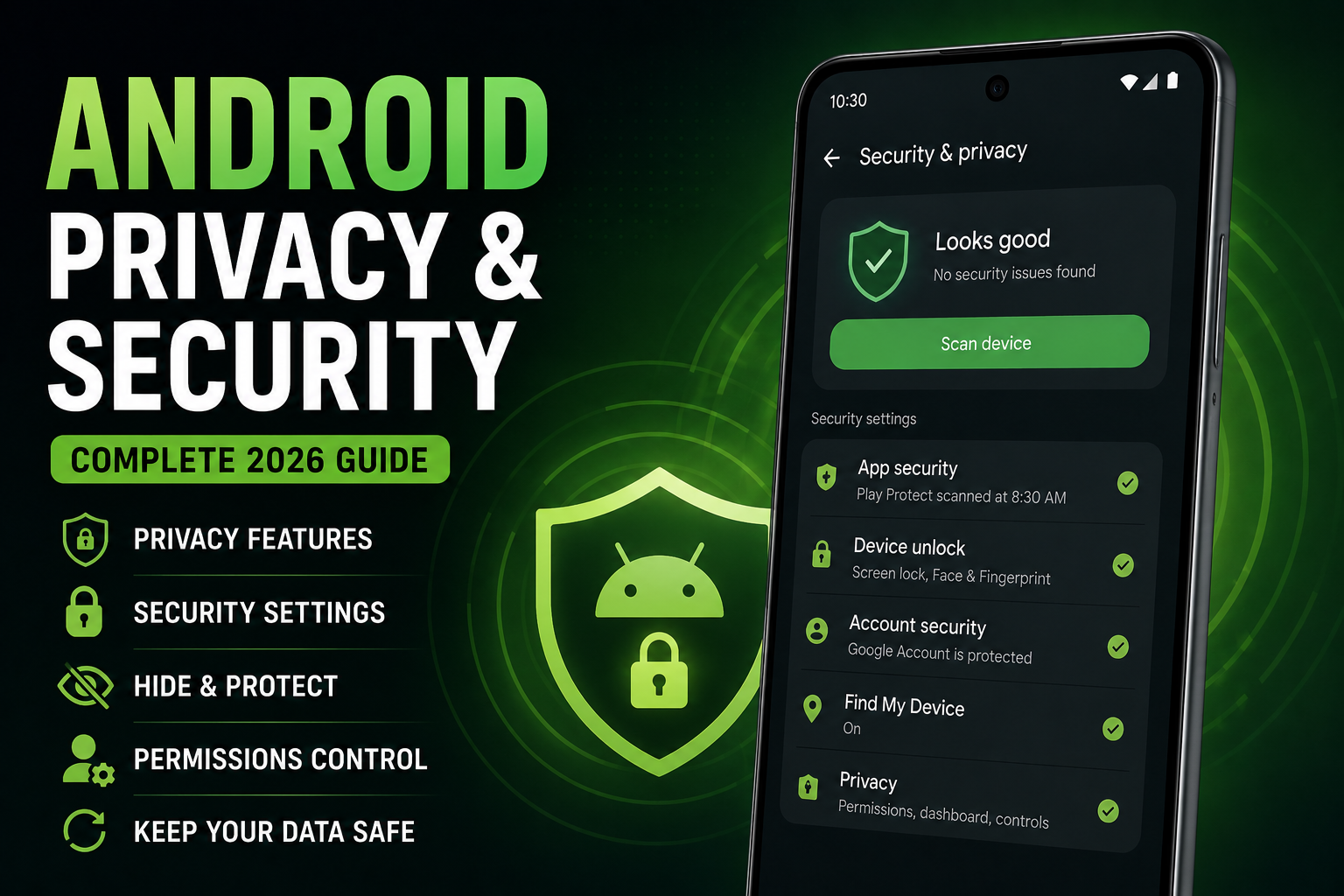
Android Security Settings Guide is a complete 2026 smartphone protection guide focused on practical Android security, privacy and digital safety. This guide explains anti-theft settings, app permissions, biometric protection, secure browsing, AI privacy risks, creator security workflows, banking protection, public Wi-Fi safety and real-world Android security practices for daily users, creators, travelers and gamers.
Quick Verdict
Main rule: Most Android security problems happen because of unsafe app habits, weak passwords and excessive permissions rather than advanced hacking.
Best for: Android users, creators, travelers, office users, students and people concerned about smartphone security.
Avoid if: You expect complete security without updating software or reviewing app permissions regularly.
Best by Use Case
Travel
Enable Find My Device, theft protection and hidden lock screen notifications before traveling.
Banking users
Use biometric authentication and avoid unknown APK installations.
Creators
Separate creator accounts from personal accounts and review editing app permissions.
Students
Avoid public APK downloads and enable app verification.
Office users
Use strong screen locks, secure Wi-Fi and separate work profiles.
Comparison Advice
- Samsung Knox and Pixel security systems are among the strongest Android security ecosystems.
- Modern Android security is far better than older Android generations.
- Flagship phones usually receive security updates faster.
- Privacy and security depend more on user habits than operating system marketing.
Mistakes to Avoid
- Installing unknown APK files
- Using weak screen lock passwords
- Ignoring software updates
- Granting unnecessary permissions
- Connecting to unsafe public Wi-Fi
- Using fake cleaning apps
- Ignoring suspicious notifications
- Keeping Bluetooth permanently enabled
Deal Advice
- Phones with longer software update policies are safer long term.
- Samsung and Pixel devices currently provide strong security ecosystems.
- Budget phones from unknown brands often receive weaker security support.
- Creators should prioritize secure cloud backups and account protection.
Why Android Security Matters More in 2026
Modern Android phones store banking information, passwords, creator assets, documents, photos and location history.
At the same time, AI apps and connected services are requesting more permissions and cloud access than ever before.
Android security today is about preventing scams, data leaks, account theft and unsafe app behavior.
Use Strong Lock Screen Protection
A strong lock screen remains the foundation of Android security.
Weak PINs and predictable patterns are still among the biggest smartphone security problems.
- Use biometric authentication
- Avoid simple 1234 PINs
- Enable automatic lock timing
- Use strong backup passwords
- Hide sensitive notifications
Review App Permissions Regularly
Many apps request permissions they do not genuinely require.
Camera, microphone, contacts and location access should be reviewed carefully.
- Disable unnecessary microphone access
- Restrict background location tracking
- Review gallery access
- Disable unused notification permissions
Android Privacy Dashboard Explained
Android Privacy Dashboard helps users monitor which apps recently accessed sensitive permissions.
This feature is extremely useful for identifying suspicious app behavior.
- Review camera access history
- Monitor microphone usage
- Check location access regularly
- Remove suspicious permissions
Enable Android Anti-Theft Features
Many Android users never enable powerful built-in anti-theft protections.
Find My Device and remote lock tools are essential for travel and public usage.
- Enable Find My Device
- Turn on remote lock
- Enable theft detection
- Use biometric authentication
- Enable automatic factory reset protection
Safe App Installation Practices
Unsafe APK installations remain one of the biggest Android security risks.
Users should avoid downloading random modified apps from unknown websites.
- Use trusted app stores
- Avoid modified APK files
- Check app reviews carefully
- Review developer reputation
Android Banking and Payment Security
Banking and payment apps require extra caution because scammers increasingly target mobile users.
Fake SMS alerts and phishing apps are becoming more sophisticated.
- Enable biometric banking login
- Avoid public Wi-Fi for banking
- Never share OTP codes
- Use official banking apps only
Public Wi-Fi and Travel Safety
Public Wi-Fi networks can expose sensitive information if users are careless.
Travelers should especially avoid logging into important accounts on unknown networks.
- Disable auto-connect Wi-Fi
- Avoid sensitive logins on public networks
- Use secure websites only
- Disable file sharing
Security Tips for Creators and Influencers
Creators often install editing tools, AI apps and media utilities that request broad permissions.
Compromised creator accounts can expose private content and business assets.
- Use separate creator accounts
- Enable two-factor authentication
- Review editing app permissions
- Avoid unknown AI editing APKs
AI Apps and Security Risks
AI tools increasingly process voice recordings, documents and personal photos.
Users should understand whether AI processing happens locally or in the cloud.
- Review AI permissions carefully
- Avoid uploading sensitive documents
- Use trusted AI providers
- Understand cloud-processing risks
Why Android Security Updates Matter
Security updates fix vulnerabilities that attackers actively exploit.
Many users ignore updates until major issues appear.
- Enable automatic updates
- Install security patches quickly
- Avoid unsupported devices
- Choose brands with longer support
Android Security vs iPhone Security
Android security has improved dramatically in recent years.
Samsung Knox, Google Play Protect and advanced permission systems now provide strong protection.
The biggest differences today usually come from user habits and update consistency.
Gaming Security and Scam Risks
Gaming users are increasingly targeted through fake mods, cheats and APK downloads.
Many fake gaming boosters secretly collect user data.
- Avoid fake FPS boosters
- Do not install modified game APKs
- Use official game stores only
Best Long-Term Android Security Habits
Good security habits are more effective than constantly installing antivirus apps.
Most Android users mainly need stronger permission management and safer browsing behavior.
- Review installed apps monthly
- Use strong passwords
- Enable account recovery options
- Backup important files securely
- Monitor suspicious activity
Final Verdict
Modern Android phones are far more secure than older Android generations.
Most Android security risks can be reduced significantly through safer app habits, permission control and regular updates.
The best security strategy combines strong device settings with smarter user behavior.
Frequently Asked Questions
Are Android phones secure in 2026?
Yes. Modern Android phones from trusted brands provide strong security protections and advanced privacy controls.
Which Android brand has the best security?
Samsung and Google Pixel devices currently offer some of the strongest Android security ecosystems.
Should I install antivirus apps on Android?
Most users mainly need safe app habits and regular updates instead of heavy antivirus apps.
Are APK files dangerous?
Unknown APK files can contain malware or spyware, especially from untrusted websites.
What is the most important Android security setting?
Strong screen locks, app permission management and software updates are among the most important settings.
Do AI apps affect privacy?
Yes. Many AI apps process personal data, voice recordings and images through cloud systems.
Related Reading on Godealio
- Android Privacy Features
- Best Android AI Features in 2026
- Android Features That Beat iPhone
- Best AI phones
- Compare phones
- Latest mobile offers
- Best Android Launchers
- Best Android Widgets
- Xiaomi 17 Review: The Best Compact Android Flagship of 2026?
- Android Automation Tricks
- Android Battery Saving Guide
- Android Camera Tricks
More Guide Details
Article Type
evergreen_security_guide
Platform
Android
Featured
true