
Android Storage Cleanup Guide
Practical Android storage cleanup guide covering WhatsApp cleanup, AI photo management, gaming storage, creator workflows and long-term phone performance optimization.
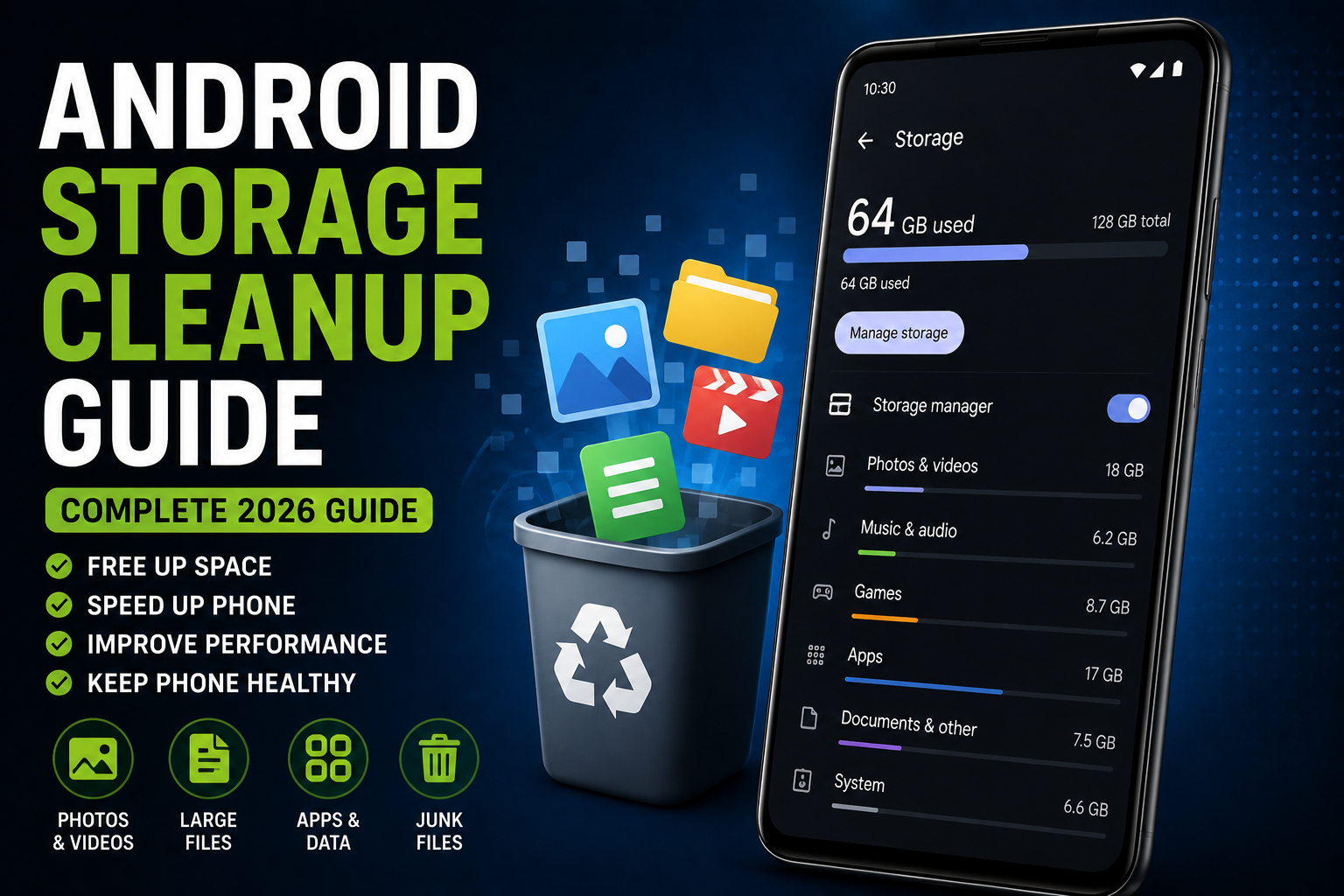
Android Storage Cleanup Guide is a complete 2026 smartphone optimization guide focused on freeing storage space, improving performance and preventing slowdowns caused by cluttered storage. This guide explains practical storage cleanup methods for WhatsApp media, gaming files, creator workflows, AI photo tools, cloud backups, app cache management and long-term Android performance maintenance.
Quick Verdict
Main rule: Most Android storage problems come from WhatsApp media, 4K videos, duplicate photos, game resources and unused apps rather than system files.
Best for: Heavy Android users, creators, gamers, students and users facing slow performance or low storage warnings.
Avoid if: You expect massive storage improvements without deleting large videos, unused apps or duplicate files.
Best by Use Case
WhatsApp users
Clear forwarded videos, duplicate media and unnecessary auto-download folders regularly.
Creators
Move old exports and raw footage to cloud or external storage monthly.
Gamers
Delete unused game resources, old recordings and cached updates.
Students
Remove downloaded lecture videos and unused PDFs periodically.
Travelers
Clean offline maps, downloaded playlists and temporary files before trips.
Comparison Advice
- Phones with UFS storage usually remain faster longer than cheaper eMMC storage devices.
- Expandable storage helps, but app optimization still matters.
- Cloud backup is useful, but careless syncing can also create duplicate storage problems.
- High-resolution cameras and 4K recording fill storage much faster than most users expect.
Mistakes to Avoid
- Deleting random system files
- Installing fake cleaner apps
- Keeping storage above 95% usage
- Ignoring WhatsApp media folders
- Recording unnecessary 4K videos
- Keeping duplicate screenshots forever
- Using full-quality cloud sync for every file
- Ignoring app cache buildup
Deal Advice
- Creators and gamers should prioritize 256GB or higher storage phones.
- Phones with faster UFS storage usually feel smoother over time.
- Expandable storage is useful for media-heavy users.
- Buying more storage often helps more than constantly cleaning files.
Why Android Storage Fills Up So Quickly
Modern Android phones store far more data than older devices because of 4K videos, AI editing files, WhatsApp media, games and cloud synchronization.
Users often underestimate how quickly short-form videos, reels, screenshots and app cache consume storage.
Many slow Android phones are actually suffering from overloaded storage rather than weak processors.
Biggest Android Storage Killers in 2026
- WhatsApp videos and forwarded media
- 4K video recording
- Game resource packs
- Duplicate screenshots
- AI-edited photo exports
- Offline Netflix and YouTube downloads
- Instagram and TikTok cache
- Unused apps and hidden folders
Check Storage Usage Properly Before Deleting Anything
Most Android phones already include detailed storage analysis tools.
Users should first identify which apps or folders consume the most space instead of randomly deleting files.
Large media folders usually provide the fastest cleanup results.
- Open Storage settings
- Sort apps by size
- Review Downloads folder
- Check WhatsApp storage
- Review screen recordings
- Analyze duplicate photos
WhatsApp Cleanup Guide
WhatsApp is one of the biggest storage problems for Android users in India.
Forwarded videos, memes, duplicate images and auto-downloaded files silently consume huge amounts of storage.
- Disable auto-downloads in groups
- Delete large forwarded videos
- Remove duplicate images
- Clear old voice notes
- Review hidden WhatsApp folders
Storage Management for Creators
Creators stress storage harder than normal users because 4K videos, thumbnails, raw exports and editing projects accumulate quickly.
Poor storage management also slows editing performance and export stability.
- Move old projects monthly
- Delete failed exports
- Use cloud backup selectively
- Archive raw footage externally
- Avoid recording unnecessary 4K clips
Gaming Storage Optimization
Modern Android games consume massive amounts of storage because of textures, maps, voice packs and updates.
Games like BGMI, COD Mobile and Genshin Impact continuously grow through updates.
- Delete unused game packs
- Remove old recordings
- Clear temporary game cache
- Uninstall games you no longer play
App Cache Cleanup Guide
App cache helps apps load faster, but excessive cache buildup wastes storage over time.
Social media apps are especially aggressive with cache usage.
- Clear Instagram cache
- Clear Chrome temporary data
- Review YouTube offline cache
- Clean editing app cache
How Duplicate Files Waste Storage
Many users unknowingly store multiple copies of the same photo, meme, download or screen recording.
AI-generated edits and social media exports often create duplicate versions automatically.
Cloud Storage vs Local Storage
Cloud storage helps reduce local clutter, but careless syncing can also create duplicate storage problems.
Users should decide which folders genuinely require cloud backup.
- Backup only important folders
- Avoid syncing random downloads
- Use compressed backup quality when appropriate
- Review Google Photos settings carefully
AI Photo Editing and Storage Usage
AI editing tools create multiple temporary files and exports.
High-resolution AI edits can consume much more storage than standard photos.
- Delete temporary AI exports
- Review Magic Editor files
- Avoid saving unnecessary draft versions
How Full Storage Slows Android Phones
Phones with nearly full storage often become slower because apps and the operating system lose working space.
Camera stability, gaming performance and app launching all suffer when storage is overloaded.
- Keep at least 15-20% free storage
- Avoid constant 95%+ usage
- Delete large unused media monthly
Storage Cleanup and Privacy
Unused files can also become privacy risks.
Old screenshots, exported documents and downloaded files may contain sensitive information.
- Delete unused banking screenshots
- Review Downloads folder regularly
- Remove old identity documents safely
Best Long-Term Android Storage Habits
Good storage habits prevent slowdowns and reduce cleanup stress later.
Small monthly cleanup routines work better than massive yearly deletions.
- Review storage monthly
- Delete duplicate media
- Archive creator projects
- Avoid random downloads
- Keep backup strategy organized
Final Verdict
Android storage optimization is mostly about managing media, cache, games and creator files intelligently.
Most users can recover huge amounts of storage space without deleting important personal data.
Better storage habits improve both performance and long-term smartphone usability.
Frequently Asked Questions
What fills Android storage the fastest?
WhatsApp media, 4K videos, game files and duplicate photos are usually the biggest storage consumers.
Does clearing cache improve performance?
Yes, especially for apps like Instagram, Chrome and YouTube that build large temporary files.
How much free storage should I keep?
Keeping at least 15-20% storage free usually helps Android phones remain smoother.
Are cleaning apps useful?
Most fake cleaner apps are unnecessary. Built-in Android storage tools are usually enough.
Should creators use cloud storage?
Yes, but creators should organize backups carefully to avoid duplicate storage problems.
Why does my phone slow down when storage is full?
Android needs free storage space for temporary processing, app updates and smooth system operation.
Related Reading on Godealio
More Guide Details
Article Type
evergreen_storage_guide
Platform
Android
Featured
true