
Samsung Galaxy AI Features Explained
Practical Samsung Galaxy AI guide covering productivity workflows, creator tools, camera AI, translation features, multitasking and smart Android optimization.
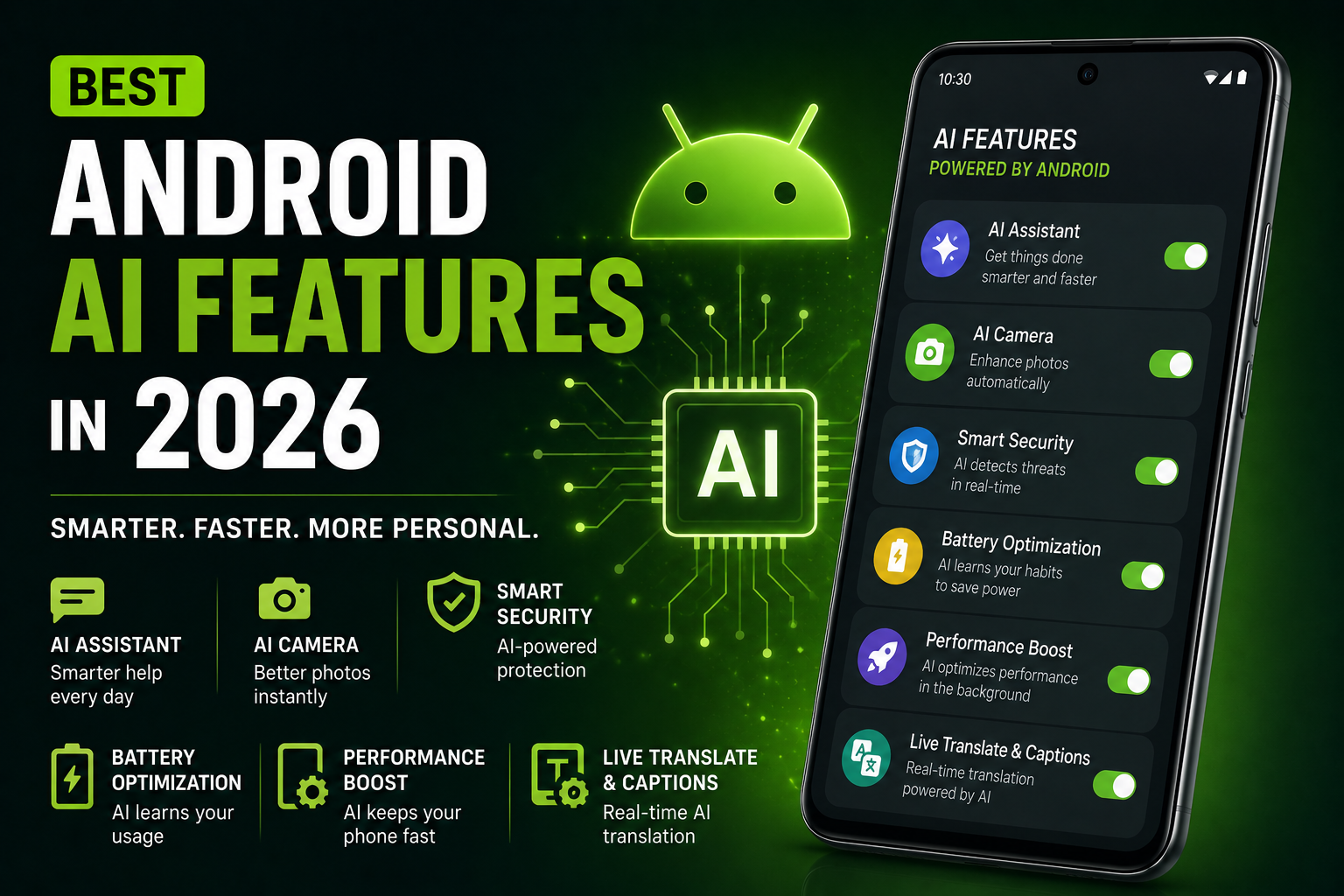
Samsung Galaxy AI Features Explained is a complete 2026 Galaxy AI guide focused on practical real-world usage instead of marketing hype. This guide explains the best Samsung Galaxy AI features including Circle to Search, AI photo editing, live translation, note summaries, productivity tools, creator workflows, multitasking features, gaming optimizations and privacy settings. It also covers Galaxy AI integration with Samsung One UI, comparisons with Pixel AI, battery optimization, AI productivity workflows and smart daily usage across Galaxy S, Z Fold and Galaxy ecosystem devices.
Quick Verdict
Main rule: Galaxy AI becomes most useful when integrated into multitasking, productivity and creator workflows instead of occasional novelty usage.
Best for: Creators, students, multitaskers, Samsung ecosystem users, travelers and productivity-focused Android users.
Avoid if: You prefer extremely simple smartphone experiences without AI-driven workflows or multitasking tools.
Best by Use Case
Productivity
Samsung Notes AI summaries and translation tools improve workflow efficiency significantly.
Creators
Galaxy AI photo editing and multitasking workflows are excellent for mobile creators.
Students
AI summaries and live translation reduce friction during studying and research.
Travel
Live Translate and interpreter tools are extremely useful during international travel.
Gaming
Galaxy gaming dashboards and AI optimization tools improve long gaming sessions.
Comparison Advice
- Galaxy AI focuses more heavily on multitasking and ecosystem integration than many competitors.
- Pixel AI feels cleaner and more search-focused while Galaxy AI emphasizes productivity flexibility.
- Samsung One UI provides deeper customization and AI workflow control.
- Galaxy AI is especially useful on foldables and large-screen devices.
Mistakes to Avoid
- Ignoring AI privacy permissions
- Leaving too many AI background services active
- Using AI features without organization workflows
- Overheating devices during AI editing
- Expecting AI summaries to always be perfect
- Ignoring battery optimization settings
- Using unstable beta firmware unnecessarily
Deal Advice
- Galaxy S Ultra and Fold devices provide the strongest Galaxy AI experiences.
- Large displays improve multitasking and AI productivity significantly.
- Creators benefit heavily from Galaxy AI editing workflows.
- Samsung ecosystem users gain additional advantages through Galaxy AI integration.
Why Samsung Galaxy AI Matters in 2026
Samsung Galaxy AI represents Samsung’s effort to integrate artificial intelligence deeply into daily smartphone workflows.
Instead of focusing only on voice commands, Galaxy AI improves multitasking, editing, communication and productivity features.
Many Galaxy AI tools feel practical because they are integrated directly into One UI and Samsung apps.
Circle to Search Became One of Galaxy AI’s Most Useful Features
Circle to Search reduces app switching and improves visual search workflows significantly.
Users can instantly search products, screenshots, text and objects directly from the screen.
- Visual product search
- Instant translations
- Shopping comparisons
- AI-assisted search
- Creator workflow research
Galaxy AI Photo Editing Tools
Samsung Galaxy AI editing tools improve photography workflows through intelligent object cleanup and image enhancement.
Creators especially benefit from faster mobile editing workflows.
- Object removal
- AI-generated fills
- Photo remastering
- AI image cleanup
- Reflection and shadow removal
Live Translate and Interpreter Features
Galaxy AI translation tools improve communication and travel workflows dramatically.
Real-time translation is especially useful during international communication.
- Call translation
- Real-time conversations
- Travel assistance
- Language interpretation
- Multilingual messaging
Samsung Notes AI Features
Samsung Notes AI tools improve organization and productivity workflows significantly.
Students and office users benefit heavily from automatic summaries and formatting tools.
- AI summaries
- Smart formatting
- Meeting note organization
- Quick translations
- Content restructuring
Galaxy AI Features for Creators
Creators benefit from Samsung’s multitasking flexibility combined with AI editing tools.
Galaxy AI improves mobile content creation workflows substantially.
- Quick thumbnail editing
- AI image enhancements
- Split-screen editing workflows
- Multitasking shortcuts
- Fast content research
Galaxy AI and Samsung Multitasking
Samsung One UI remains one of the strongest multitasking environments in Android.
Galaxy AI integrates naturally with split-screen workflows and productivity tools.
- Split-screen AI workflows
- Floating app windows
- Samsung DeX support
- Large-screen productivity
- Foldable multitasking
Gaming and Entertainment Features
Galaxy AI also supports gaming workflows through optimization tools and quick search integration.
Samsung gaming dashboards improve thermal and performance visibility.
- Gaming optimization
- Performance monitoring
- Quick search workflows
- Thermal management tools
Battery Optimization and AI
Galaxy AI features increase processing activity during editing, translations and AI assistance.
Battery optimization remains important for heavy AI users.
- Adaptive battery tools
- AI background control
- Thermal management
- Battery-saving modes
Galaxy AI Privacy and Security
Samsung increasingly emphasizes secure AI processing and privacy protection through Knox security.
Users should still review permissions carefully and understand cloud-processing workflows.
- Samsung Knox security
- AI permission controls
- Privacy dashboard access
- Cloud-processing awareness
Why Galaxy Foldables Benefit More From AI
Galaxy Fold devices benefit heavily from AI because of their multitasking-focused hardware.
Large displays make AI productivity workflows significantly more practical.
- Multi-window workflows
- AI-assisted productivity
- Creator editing flexibility
- Enhanced multitasking
Galaxy AI vs Pixel AI
Pixel AI feels cleaner and more search-focused while Galaxy AI emphasizes multitasking and productivity flexibility.
Samsung provides more customization and ecosystem integration through One UI.
The Future of Samsung Galaxy AI
Samsung is increasingly positioning Galaxy AI as a major ecosystem advantage across phones, tablets and wearables.
Future Galaxy AI systems will likely become more personalized, proactive and workflow-oriented.
Which Galaxy AI Features Are Actually Worth Using?
The most useful Galaxy AI tools are usually productivity, editing and multitasking features.
Daily workflow improvements matter far more than flashy AI demonstrations.
Final Verdict
Samsung Galaxy AI stands out because it combines AI features with One UI multitasking flexibility.
Creators, students and productivity-focused users benefit most from Samsung’s AI ecosystem.
Galaxy AI becomes especially powerful on larger devices where multitasking and creator workflows matter more.
Frequently Asked Questions
What are the best Galaxy AI features?
Circle to Search, Live Translate, AI photo editing and Samsung Notes AI summaries are among the best Galaxy AI features.
Which Samsung phones support Galaxy AI?
Recent Galaxy S, Galaxy Z Fold and premium Samsung devices provide the strongest Galaxy AI support.
Is Galaxy AI useful for creators?
Yes. Galaxy AI editing tools and multitasking workflows are especially useful for mobile creators.
Does Galaxy AI require internet?
Some Galaxy AI features work partially offline, but advanced AI workflows often require connectivity.
Does Galaxy AI affect battery life?
Heavy AI usage can increase battery consumption, especially during editing and multitasking workloads.
Is Galaxy AI better than Pixel AI?
Galaxy AI focuses more on multitasking and customization, while Pixel AI feels cleaner and more search-oriented.
Related Reading on Godealio
- Gemini AI Features You Should Use
- Circle to Search Explained
- Pixel AI Features Explained
- Samsung Galaxy S25 vs Galaxy S26
- Samsung Galaxy S25 Ultra vs S26 Ultra
- Compare phones
- Samsung Galaxy A06 Review: Should You Buy It in India?
- Samsung Galaxy A17 5G Review: Should You Buy It in India?
- Samsung Galaxy M17e 5G Review: Should You Buy It in India?
- iPhone AI Features Explained
- Samsung Galaxy Buds 4 Pro Review (2026): flagship audio and ecosystem features
- Samsung Galaxy S24 vs Galaxy S25: Specs, Camera, Battery, AI Features and Upgrade Guide
More Guide Details
Article Type
evergreen_ai_guide
Platform
Android
Brand
Samsung Galaxy
Featured
true