
Pixel AI Features Explained
Practical Google Pixel AI guide covering Gemini workflows, camera AI tools, creator features, smart search, productivity tricks and Android optimization.
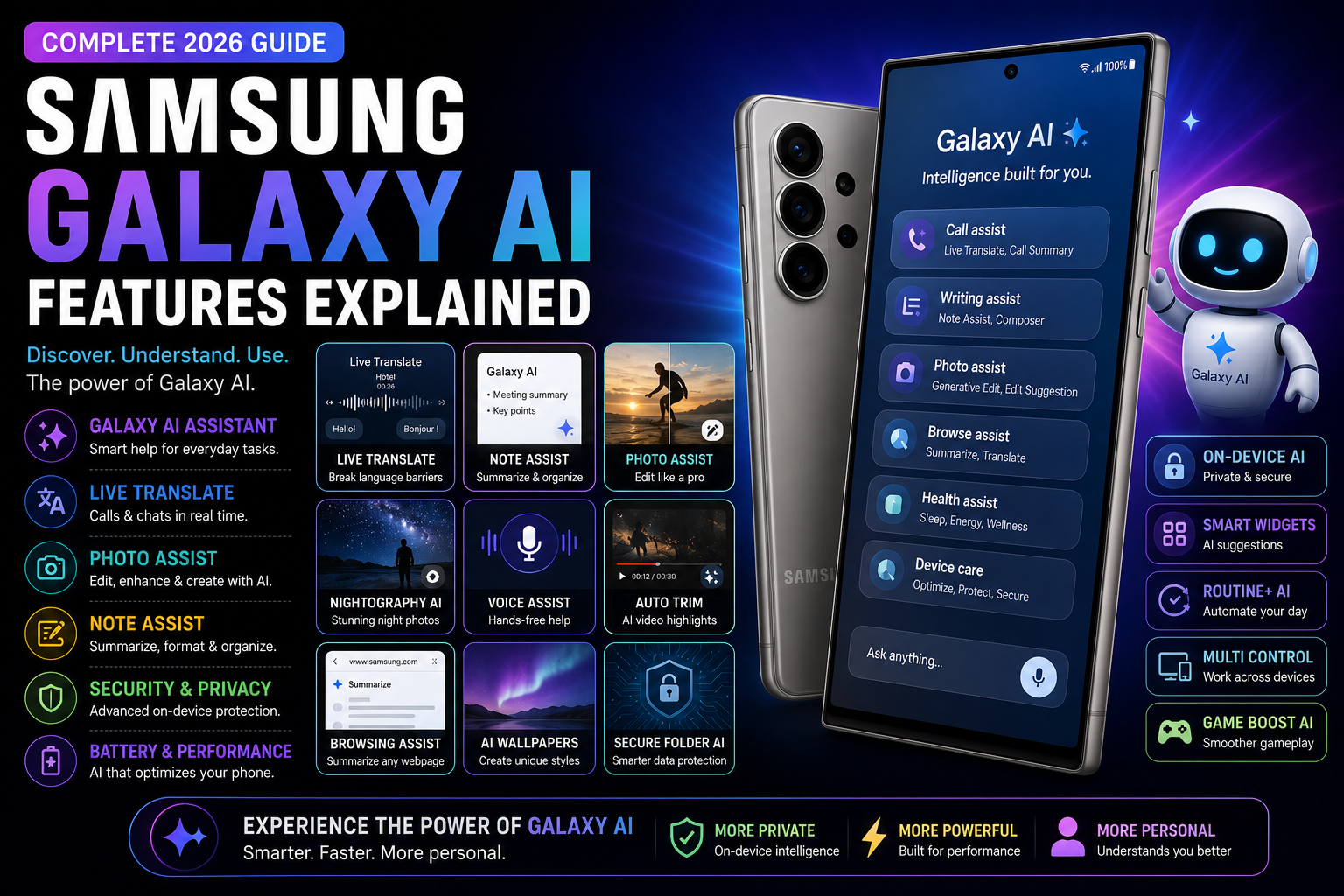
Pixel AI Features Explained is a complete 2026 Google Pixel AI guide focused on practical real-world usage instead of marketing buzzwords. This guide explains the best Pixel AI features including Gemini integration, Circle to Search, AI camera editing, call screening, live translation, productivity workflows, creator tools, battery optimization and smart automation. It also covers Tensor AI performance, privacy considerations, Pixel-exclusive tools and how Google’s AI ecosystem compares with Samsung Galaxy AI and other Android platforms.
Quick Verdict
Main rule: Pixel AI features feel most useful when they reduce daily friction instead of acting like standalone gimmicks.
Best for: Creators, students, Android enthusiasts, productivity users, travelers and Pixel ecosystem fans.
Avoid if: You prefer manual workflows and do not use AI-driven search or productivity tools.
Best by Use Case
Photography
Pixel AI photography tools remain among the best for quick image cleanup and natural image processing.
Creators
AI editing tools and smart search workflows improve creator productivity significantly.
Students
Gemini summaries and live translation features simplify research and studying.
Travel
Live Translate and contextual AI search improve travel convenience dramatically.
Productivity
Call screening, summaries and AI workflows reduce repetitive daily tasks.
Comparison Advice
- Pixel AI focuses heavily on practical software intelligence rather than flashy effects.
- Samsung Galaxy AI offers broader customization while Pixel AI feels more integrated into Android.
- Tensor chips prioritize AI processing and contextual workflows over benchmark-focused performance.
- Pixel AI features generally feel smoother because of Google’s direct Android integration.
Mistakes to Avoid
- Expecting perfect AI accuracy
- Ignoring privacy permissions
- Uploading sensitive information unnecessarily
- Leaving too many AI background services active
- Using unstable beta software builds
- Assuming all AI features work offline
- Overheating phones during AI-heavy workloads
Deal Advice
- Pixel phones age well because Google continuously expands AI software support.
- Tensor-powered Pixel devices benefit more from AI workflows than raw benchmark performance.
- Creators benefit heavily from Pixel image-processing workflows.
- Larger Pixel Pro devices improve multitasking and AI productivity significantly.
Why Pixel AI Matters in 2026
Google Pixel phones have become some of the most AI-focused smartphones in the Android ecosystem.
Instead of treating AI as a separate app, Pixel devices integrate intelligence deeply into search, photography, productivity and communication workflows.
Many Pixel AI tools feel useful because they reduce friction during real daily usage.
Gemini Integration Is the Core of Pixel AI
Gemini powers many modern Pixel AI experiences including search, summaries and contextual assistance.
The assistant feels more conversational and workflow-oriented compared to older Android assistants.
- Context-aware AI help
- Natural conversations
- AI summaries
- Smart productivity workflows
- Integrated Android search
Circle to Search Feels Built for Pixel Phones
Circle to Search became one of the most practical Android AI features because of Pixel integration.
Users can instantly search objects, products and screenshots directly from the screen.
- Visual product search
- Screenshot explanations
- Instant translations
- Quick shopping workflows
- AI-assisted search
Pixel Camera AI Features Remain Industry-Leading
Pixel phones continue to dominate computational photography and AI-assisted image processing.
Many Pixel camera features improve real photos instead of creating artificial-looking effects.
- Magic Editor
- Best Take
- AI photo cleanup
- Night Sight
- Portrait enhancements
- Motion stabilization
Pixel AI Features for Creators
Creators benefit heavily from Pixel AI because editing and workflow tools reduce repetitive tasks.
AI assistance improves speed during social media production and mobile editing.
- Quick thumbnail edits
- AI caption workflows
- Voice cleanup
- Video stabilization
- AI image enhancement
Live Translate Is Extremely Underrated
Pixel Live Translate remains one of the most practical AI features for travel and communication.
Real-time translation improves accessibility and convenience dramatically.
- Message translation
- Travel conversations
- Foreign-language understanding
- Menu translation workflows
Call Screening and Spam Protection
Pixel AI call tools reduce spam interruptions and improve communication workflows.
These features are especially useful for productivity-focused users.
- AI call screening
- Spam detection
- Smart call assistance
- Unknown caller filtering
Pixel AI Productivity Features
Pixel AI focuses heavily on reducing repetitive smartphone tasks.
AI summaries, contextual suggestions and smart search improve daily efficiency.
- Smart summaries
- AI scheduling assistance
- Contextual search
- Quick note workflows
Gaming and Entertainment Features
Pixel AI also improves gaming workflows through search and contextual assistance.
However, Pixel devices prioritize AI workflows more than extreme gaming performance.
- Quick search during gameplay
- AI-assisted troubleshooting
- Smart screenshot analysis
Why Tensor Chips Matter for AI
Google Tensor processors are optimized heavily for AI and machine-learning workloads.
This allows Pixel devices to perform many AI tasks more efficiently.
- On-device AI processing
- Improved voice recognition
- Faster AI imaging
- Better contextual understanding
Battery and Thermal Impact of AI Features
AI tools increase processing demands, especially during camera editing and continuous AI workflows.
Battery optimization remains important during heavy AI usage.
- Monitor AI battery usage
- Avoid overheating during editing
- Reduce unnecessary AI background activity
- Use adaptive battery
Pixel AI Privacy and Security Considerations
Google increasingly emphasizes secure on-device processing for Pixel AI features.
Users should still review permissions carefully and understand cloud-processing workflows.
- Review AI permissions
- Understand cloud integrations
- Protect sensitive documents
- Use trusted AI workflows
Pixel AI vs Samsung Galaxy AI
Pixel AI feels cleaner and more tightly integrated into Android workflows.
Samsung Galaxy AI provides broader customization and feature variety.
Pixel AI often feels more natural for search, translation and contextual tasks.
The Future of Pixel AI
Google is increasingly positioning Pixel phones as AI-first Android devices.
Future Pixel AI systems will likely become more proactive, personalized and context-aware.
Final Verdict
Pixel AI features stand out because many of them improve real smartphone workflows naturally.
Photography, search, translation and productivity remain the strongest Pixel AI advantages.
For users who value smart Android experiences over raw benchmark numbers, Pixel AI remains one of the strongest ecosystems available.
Frequently Asked Questions
What are the best Pixel AI features?
Circle to Search, Gemini integration, Magic Editor, Live Translate and AI call screening are among the best Pixel AI features.
Do Pixel AI features work offline?
Some AI features work partially offline, but advanced AI workflows often require internet connectivity.
Is Pixel AI better than Samsung Galaxy AI?
Pixel AI feels cleaner and more integrated, while Galaxy AI provides broader customization and feature variety.
Do Pixel AI features affect battery life?
Heavy AI usage can increase battery consumption, especially during image editing and continuous AI workflows.
Are Pixel AI camera features useful?
Yes. Pixel AI photography remains one of the strongest smartphone camera ecosystems for real-world usage.
Which Pixel phones support the latest AI features?
Newer Tensor-powered Pixel devices receive the most advanced AI feature support.
Related Reading on Godealio
- Gemini AI Features You Should Use
- Circle to Search Explained
- Best Android AI Features in 2026
- Google Pixel 9 vs Pixel 10
- Compare phones
- Latest mobile offers
- Google Pixel 10 Pro Review: Should You Buy It in India?
- Best Google Pixel Phones To Buy
- iPhone AI Features Explained
- Google Pixel 10 Pro Fold Review: Should You Buy It in India?
- Google Pixel 10 vs Google Pixel 9: camera, AI, battery, Tensor G5 & best Pixel to buy
- Apple Intelligence Features Explained
More Guide Details
Article Type
evergreen_ai_guide
Platform
Android
Brand
Google Pixel
Featured
true