
Best iPhone Features for Students
Detailed smartphone optimization guide with AI features, creator workflows, battery settings, storage fixes and practical usage tips.
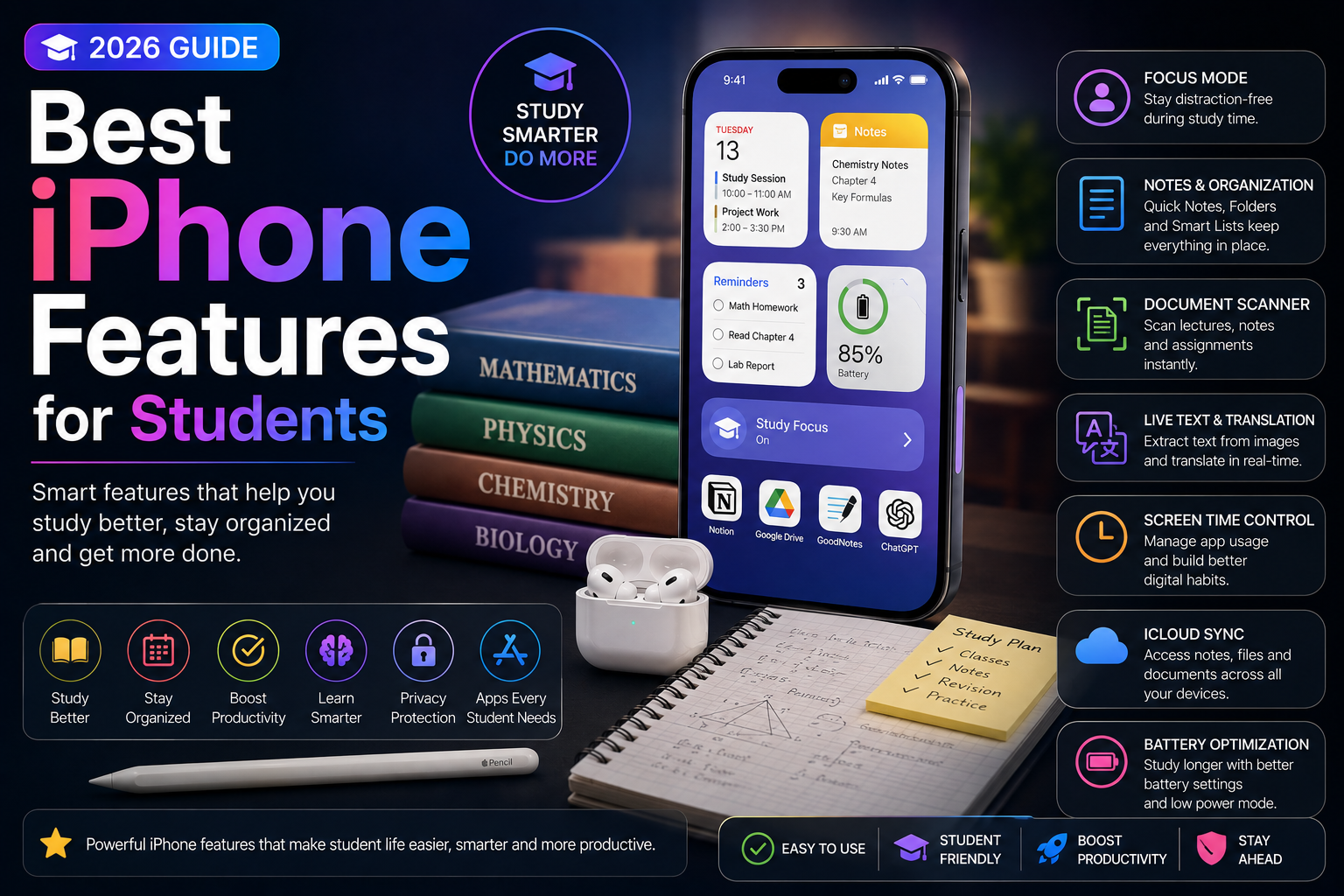
This long-form evergreen smartphone guide focuses on practical real-world usage patterns, creator workflows, AI tools, battery optimization, storage cleanup, privacy protection and performance improvements.
Why iPhones Are Popular Among Students
Modern iPhones offer much more than communication and entertainment.
Students increasingly use iPhones for studying, note-taking, research, productivity, content creation, online classes and daily organization.
Apple Intelligence, AI tools, ecosystem integration and productivity-focused features make iPhones valuable learning companions in 2026.
Apple Intelligence for Student Productivity
Apple Intelligence introduces AI-powered features that can help students summarize notes, improve writing, organize tasks and manage information more efficiently.
These tools reduce repetitive work and improve productivity during studying and project preparation.
- AI writing assistance
- Smart notification summaries
- Productivity-focused Siri improvements
- Quick content understanding
- Smarter organization workflows
Use the Notes App Like a Pro
The built-in Notes app is one of the most powerful productivity tools for students.
Students can create organized notes, scan documents, add checklists and collaborate on projects.
- Document scanning
- Checklist creation
- Voice note support
- Cloud syncing across devices
- Quick search and organization
Focus Modes for Better Study Sessions
Focus Modes help students reduce distractions while studying.
Users can create dedicated study profiles that block social media notifications and allow only important apps and contacts.
- Study-focused notification filtering
- Reduced distractions
- Custom app restrictions
- Sleep and exam modes
- Productivity automation
Live Text for Faster Learning
Live Text allows students to copy text directly from books, whiteboards, screenshots and images.
This feature helps students save time while taking notes and researching information.
- Copy text from images
- Translate educational material
- Quick information extraction
- Research assistance
- Faster note-taking workflows
Calendar and Reminder Management
Time management is critical for students balancing classes, assignments, exams and extracurricular activities.
The Calendar and Reminders apps help students stay organized.
- Assignment reminders
- Exam scheduling
- Daily study planning
- Group project organization
- Deadline tracking
Battery Saving Features for Long Study Days
Students often rely heavily on smartphones throughout the day.
Battery optimization settings help improve battery backup during classes, travel and long study sessions.
- Low Power Mode
- Optimized charging
- Background app management
- Display optimization
- Efficient AI processing
iCloud and File Management
Cloud storage and file synchronization help students access documents across multiple devices.
iCloud integration improves collaboration and backup reliability.
- Cloud file backup
- Cross-device syncing
- Document collaboration
- Assignment organization
- Secure file storage
Best iPhone Features for Study Apps
Many educational apps integrate deeply with iPhone features and Apple ecosystem tools.
Students can use AI-powered apps, note-taking tools and collaboration platforms more efficiently.
- Educational app integration
- AI learning tools
- PDF annotation support
- Online class optimization
- Research workflows
Privacy and Security for Students
Students store personal information, assignments and educational records on their phones.
Apple provides privacy-focused features that help protect sensitive information.
- Face ID protection
- Secure passwords and passkeys
- App permission controls
- Private cloud backups
- Safe browsing features
Creator Features for Student Content Creators
Many students also create content for YouTube, Instagram, TikTok and academic presentations.
iPhone camera tools and editing workflows support both education and content creation.
- Video recording tools
- Photo editing workflows
- Presentation creation
- Social media content tools
- AI-assisted editing
Automation and Shortcuts for Students
The Shortcuts app allows students to automate repetitive tasks and productivity workflows.
Automations can improve efficiency during busy academic schedules.
- Study session automations
- Focus Mode triggers
- Quick note workflows
- Battery-saving automations
- Time management shortcuts
Travel and Campus Convenience Features
Students frequently travel between classes, campuses and study locations.
Navigation tools, digital wallets and connectivity features improve convenience.
- Apple Maps navigation
- Digital wallet support
- Campus productivity tools
- Wireless ecosystem integration
- Travel-friendly workflows
Get More from Your iPhone as a Student
Modern iPhones provide powerful tools for productivity, studying, communication and organization.
Students who learn to use Apple Intelligence, productivity features and workflow optimizations can improve efficiency and reduce distractions.
Small feature adjustments can make a major difference in academic productivity and daily student life.
Frequently Asked Questions
Which iPhone features are most useful for students?
Notes, Focus Modes, Live Text, Apple Intelligence, Calendar, Reminders and iCloud syncing are among the most useful iPhone features for students.
Can Apple Intelligence help students study better?
Yes. Apple Intelligence can assist with writing, organization, summaries and productivity workflows that help students save time.
What is the best iPhone app for note-taking?
The built-in Notes app is highly useful because it supports document scanning, voice notes, checklists and cloud synchronization.
How can students reduce distractions on iPhone?
Focus Modes allow students to block unnecessary notifications and create dedicated study environments.
Is iPhone good for online classes and assignments?
Yes. iPhones support productivity apps, cloud storage, video conferencing, AI tools and educational workflows effectively.
Related Reading on Godealio
More Guide Details
Author
Godealio Editorial Team
Featured
false