
Best iPhone Battery Saving Settings
Detailed smartphone optimization guide with AI features, creator workflows, battery settings, storage fixes and practical usage tips.
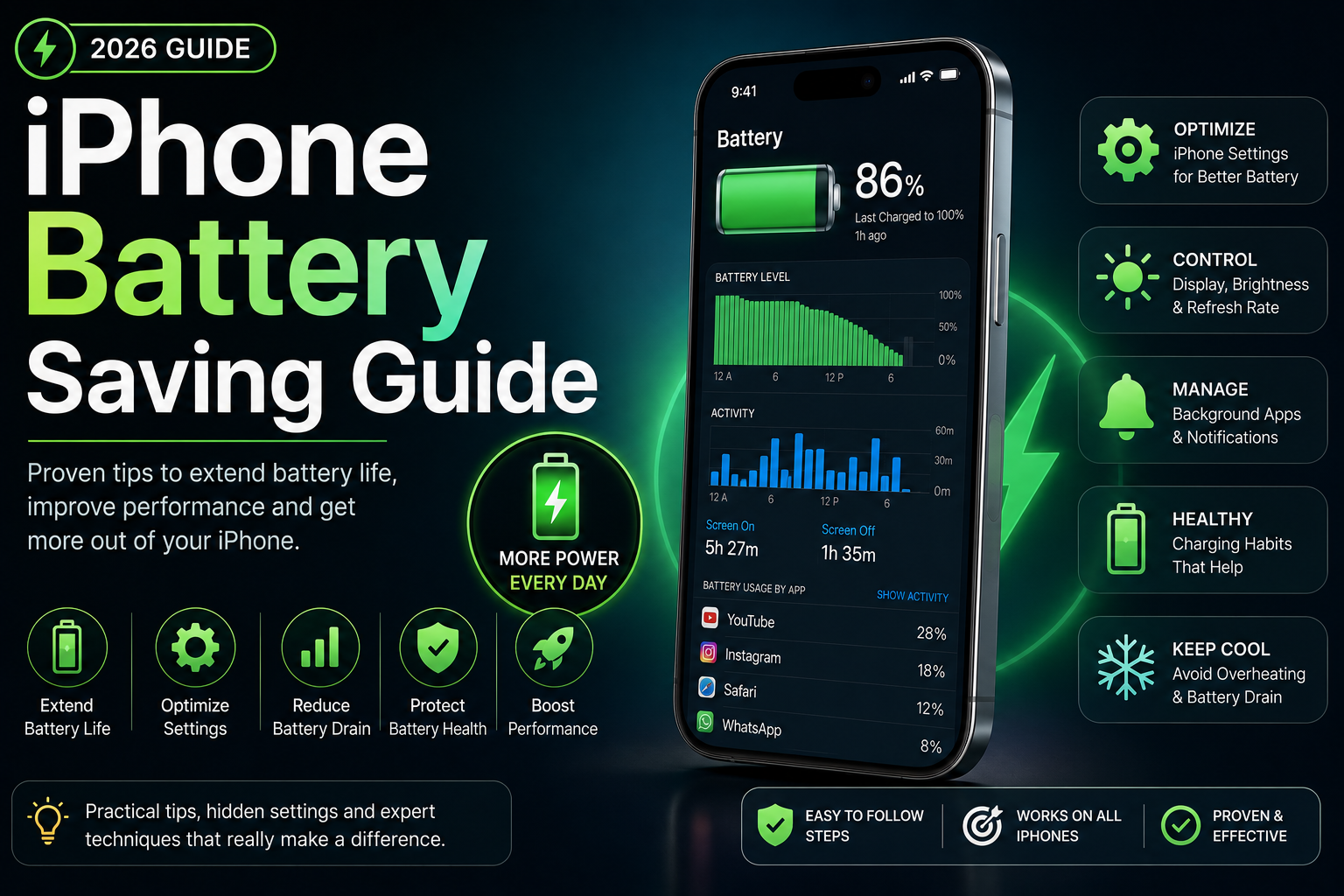
This long-form evergreen smartphone guide focuses on practical real-world usage patterns, creator workflows, AI tools, battery optimization, storage cleanup, privacy protection and performance improvements.
Why iPhone Battery Optimization Matters
Battery life is one of the most important parts of the smartphone experience.
Modern iPhones include powerful features, AI tools, creator workflows and advanced displays that can quickly drain battery life if not optimized correctly.
With the right settings and usage habits, users can significantly improve battery backup, reduce overheating and maintain long-term battery health.
Monitor Battery Health
iPhones include a built-in Battery Health section that helps users monitor maximum battery capacity and charging performance.
Checking battery health regularly helps users identify performance issues and maintain long-term device reliability.
- View maximum battery capacity
- Monitor peak performance capability
- Identify battery degradation
- Check charging optimization status
- Improve long-term battery lifespan
Use Low Power Mode Effectively
Low Power Mode reduces background activity, visual effects and unnecessary processing to extend battery life.
Users can enable it manually or automate it through Shortcuts when battery percentage drops below a specific level.
- Reduce background refresh
- Lower visual effects
- Extend battery backup
- Automate battery-saving workflows
- Useful during travel and gaming
Optimize Display Settings
The display is one of the largest battery-consuming components on an iPhone.
Optimizing brightness, refresh rate and screen timeout settings can noticeably improve battery life.
- Enable Auto-Brightness
- Reduce screen brightness
- Use Dark Mode
- Lower screen timeout duration
- Manage Always-On Display settings
Reduce Background App Activity
Many apps continue running in the background even when not actively used.
Disabling unnecessary background refresh improves battery efficiency and reduces overheating.
- Disable unnecessary background refresh
- Restrict power-hungry apps
- Monitor app battery usage
- Close excessive background tasks
- Reduce hidden battery drain
Optimize Location Services
GPS and continuous location tracking can significantly affect battery life.
Users should review app permissions and disable unnecessary location access.
- Use While Using App permissions
- Disable unnecessary GPS access
- Review system location services
- Limit background tracking
- Improve privacy and battery efficiency
Manage Connectivity Features
5G, Bluetooth, AirDrop and Wi-Fi scanning can increase power consumption.
Optimizing connectivity settings improves battery backup during heavy usage.
- Disable unused Bluetooth connections
- Optimize 5G usage
- Manage AirDrop visibility
- Disable unused wireless features
- Reduce background network activity
Apple Intelligence and Battery Usage
Apple Intelligence introduces AI-powered features that may affect battery life depending on usage patterns.
AI summaries, Siri improvements and creator tools rely on advanced processing, but Apple optimizes many features using efficient on-device AI.
- Manage AI-related processing
- Reduce unnecessary AI activity
- Balance performance and efficiency
- Monitor battery-heavy AI features
- Optimize creator workflows
Battery Tips for Creators and Power Users
Video recording, editing, gaming and creator workflows can drain battery quickly.
Users should optimize charging habits and reduce unnecessary background tasks during heavy workloads.
- Lower screen brightness while editing
- Use efficient charging accessories
- Reduce background syncing
- Manage thermal performance
- Optimize creator app settings
Improve Long-Term Battery Lifespan
Charging habits directly affect long-term battery health.
Modern iPhones include optimized charging systems designed to reduce battery aging.
- Avoid excessive heat
- Use certified chargers
- Enable Optimized Battery Charging
- Avoid constant full discharge cycles
- Reduce overnight overheating
Automate Battery Saving Settings
The Shortcuts app allows users to automate battery-saving routines based on battery percentage, location or Focus Modes.
Automation can improve convenience while reducing unnecessary power usage.
- Auto-enable Low Power Mode
- Disable Wi-Fi and Bluetooth automatically
- Adjust brightness dynamically
- Create travel battery routines
- Optimize Focus Mode workflows
Battery Saving During Travel and Gaming
Travel and gaming sessions often place heavy demands on iPhone batteries.
Portable chargers, cooling solutions and optimized settings can dramatically improve endurance.
- Use power-efficient gaming settings
- Carry portable battery packs
- Reduce background syncing while traveling
- Use airplane mode strategically
- Manage screen brightness carefully
Get Better Battery Life from Your iPhone
Small battery optimization changes can significantly improve the overall iPhone experience.
Users who optimize display settings, app activity, AI features and charging habits can enjoy longer battery life and better long-term performance.
Battery optimization is especially important for creators, travelers, professionals and heavy smartphone users.
Frequently Asked Questions
What is the best iPhone battery-saving setting?
Low Power Mode, optimized brightness settings, background app management and proper charging habits are among the most effective battery-saving settings.
Does Dark Mode save battery on iPhone?
Yes. Dark Mode can reduce battery consumption on OLED iPhone displays, especially at lower brightness levels.
Can Apple Intelligence affect battery life?
Some AI-powered features may increase battery usage, but Apple optimizes many AI tasks using efficient on-device processing.
How do I check battery health on iPhone?
Go to Settings > Battery > Battery Health & Charging to view battery capacity and charging optimization details.
Does fast charging damage iPhone batteries?
Using certified fast chargers is generally safe, but excessive heat and low-quality accessories may affect long-term battery health.
Related Reading on Godealio
- Best Hidden iPhone Features You Should Use
- Apple Intelligence Features Explained
- Android Battery Saving Guide
- Best iPhone Accessories in India
- Best iPhone Settings for Privacy
- iPhone 16 vs iPhone 17: Camera, Battery, Performance and Upgrade Guide
- Best iPhone Video Recording Settings
- Apple iPhone 17 vs iPhone 16: display, camera, battery, AI, performance & best iPhone to buy
- Apple iPhone 17 Pro vs iPhone 16 Pro: camera, performance, battery, AI & flagship comparison
More Guide Details
Author
Godealio Editorial Team
Featured
false