
Best AI Editing Features on Phones
A practical guide explaining the most useful AI editing features available on modern smartphones and how they help improve photos, videos, social media content and productivity workflows.
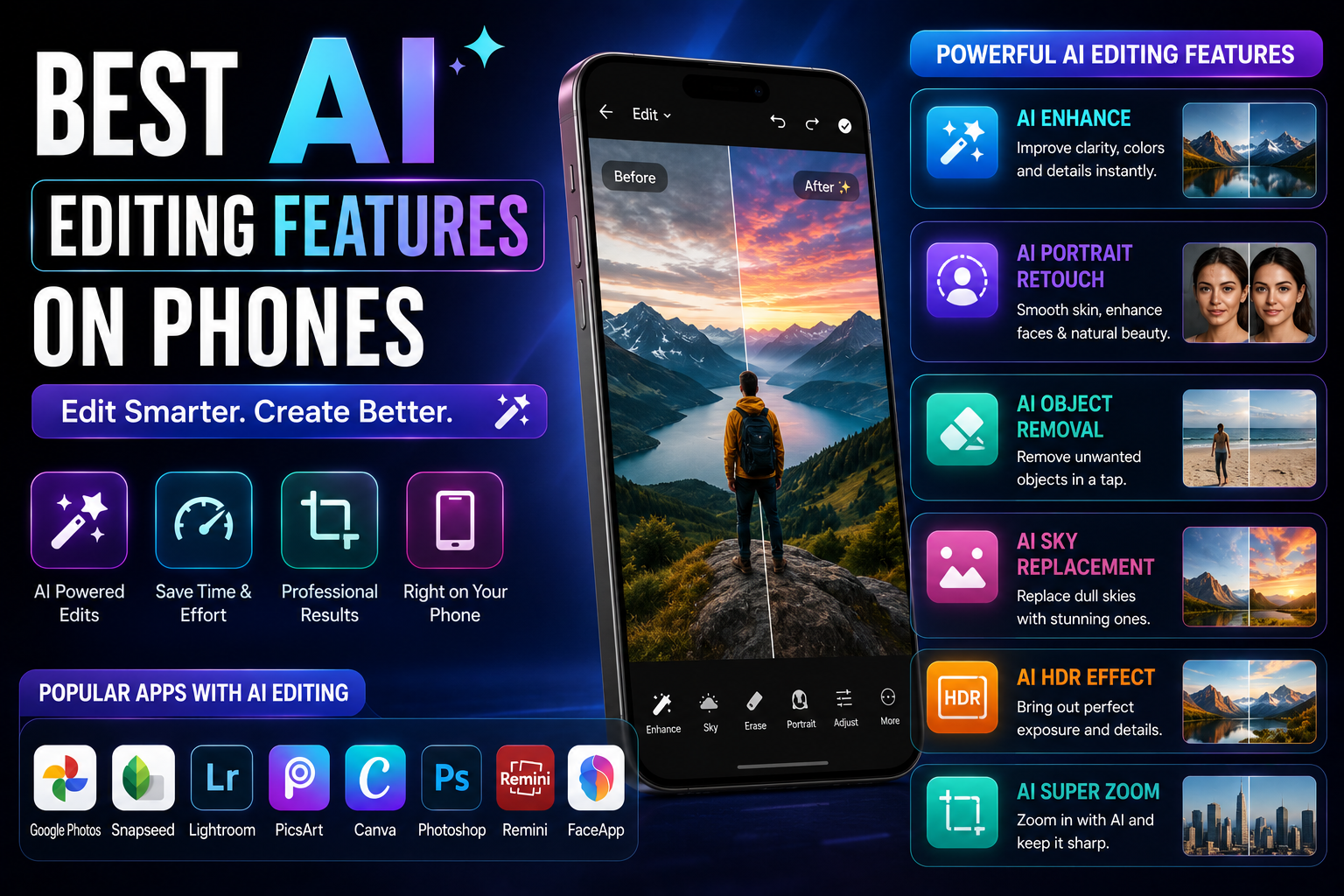
AI editing tools have become one of the biggest reasons people upgrade smartphones. From removing unwanted objects and generating backgrounds to enhancing videos and creating automatic captions, modern AI-powered phones can significantly reduce editing time. This guide explains which AI editing features actually matter, who should use them and what buyers should prioritize before choosing an AI smartphone.
Quick Verdict
Main rule: The best AI editing features save time while preserving image and video quality. Object removal, generative editing, video enhancement and automatic captions provide the biggest real-world benefits.
Best for: Creators, photographers, social media users, travelers, students and business professionals.
Best by Use Case
Instagram Creators
Object removal, portrait enhancement and caption generation.
YouTube Creators
Video enhancement, transcription and thumbnail editing.
Travel Photography
Object removal and generative background expansion.
Business Users
Document enhancement and AI image cleanup.
Students
Screenshot editing, note cleanup and automatic transcription.
Comparison Advice
- Camera hardware still matters more than AI editing.
- AI editing should improve content, not completely alter reality.
- Choose devices with powerful processors for faster AI editing.
- Storage capacity is important for creators working with photos and videos.
- Check whether AI editing works offline or requires cloud processing.
Mistakes to Avoid
- Buying a phone only because it advertises AI editing.
- Ignoring camera sensor quality.
- Overusing AI-generated content.
- Choosing AI features over battery life and performance.
- Uploading sensitive images to unknown AI editing apps.
Simple Explanation
- AI editing uses artificial intelligence to improve photos and videos automatically.
- Modern smartphones can perform tasks that previously required professional software.
- The best AI tools save time while maintaining natural-looking results.
AI Object Removal
- Remove unwanted people from backgrounds.
- Delete wires, poles and distractions.
- Clean up travel photos quickly.
- One of the most useful AI editing tools available today.
Generative Edit and Background Expansion
- Expand image borders automatically.
- Create missing background elements.
- Improve composition without re-shooting.
- Useful for social media posts and thumbnails.
AI Portrait Enhancement
- Improve lighting automatically.
- Enhance facial details.
- Refine background blur.
- Create professional-looking portraits.
AI Video Enhancement
- Improve stabilization.
- Reduce noise in low-light videos.
- Enhance colors and contrast.
- Improve clarity for social media content.
Automatic Captions and Subtitles
- Generate subtitles automatically.
- Increase video accessibility.
- Boost social media engagement.
- Reduce editing time significantly.
AI Voice Transcription
- Convert recordings into text.
- Generate captions quickly.
- Create scripts from spoken content.
- Useful for creators and students.
AI Photo Enhancement
- Improve image sharpness.
- Enhance low-light photography.
- Restore older photos.
- Optimize colors automatically.
AI Thumbnail Creation
- Remove backgrounds instantly.
- Enhance subject visibility.
- Improve click-through rates.
- Useful for YouTube creators.
Which AI Platforms Offer the Best Editing Tools?
- Galaxy AI offers strong generative editing and object removal.
- Google's AI tools provide excellent photo enhancement and Magic Editor features.
- Apple Intelligence focuses on seamless editing integration and photo organization.
- Each platform has strengths depending on your workflow.
What to Check Before Buying an AI Editing Phone
- Powerful processor.
- At least 8GB RAM, preferably 12GB.
- 256GB storage or more.
- Strong camera hardware.
- Reliable software updates.
- Good battery life.
Buying Impact
- AI editing can save hours every week.
- Creators benefit more than casual users.
- Object removal and video enhancement provide the biggest practical benefits.
- Choose a balanced phone rather than chasing AI marketing alone.
Frequently Asked Questions
What is the most useful AI editing feature on phones?
AI object removal is currently the most useful and widely used editing feature.
Can AI replace Photoshop or professional editing software?
No. AI speeds up editing but professional software still provides greater control and flexibility.
Which AI platform has the best photo editing tools?
Galaxy AI and Google's AI editing tools currently offer some of the most advanced mobile editing capabilities.
Do AI editing tools work offline?
Some features work on-device while advanced generative editing may require internet access.
How much storage do creators need?
At least 256GB is recommended, while 512GB is ideal for heavy photo and video creators.
Should I buy a phone mainly for AI editing?
No. Camera hardware, battery life, performance and software support remain more important overall.
Related Reading on Godealio
More Guide Details
Best Features
Rank
1
Feature
AI Object Removal
Why Useful
Remove unwanted people, objects, wires and distractions from photos instantly.
Rank
2
Feature
Generative Fill and Expand
Why Useful
Extend backgrounds and intelligently create missing parts of an image.
Rank
3
Feature
AI Video Enhancement
Why Useful
Improve lighting, stabilization, sharpness and overall video quality.
Rank
4
Feature
Automatic Captions
Why Useful
Generate subtitles for reels, shorts and videos automatically.
Rank
5
Feature
AI Portrait Enhancement
Why Useful
Improve skin tones, lighting and subject separation.
Featured
false