
Lenovo Yoga RX 7900 XT AI rig hits a system RAM wall
A one-off laptop-and-M.2 experiment for local chatbots briefly worked, then slowed to a crawl when system memory became the real bottleneck.
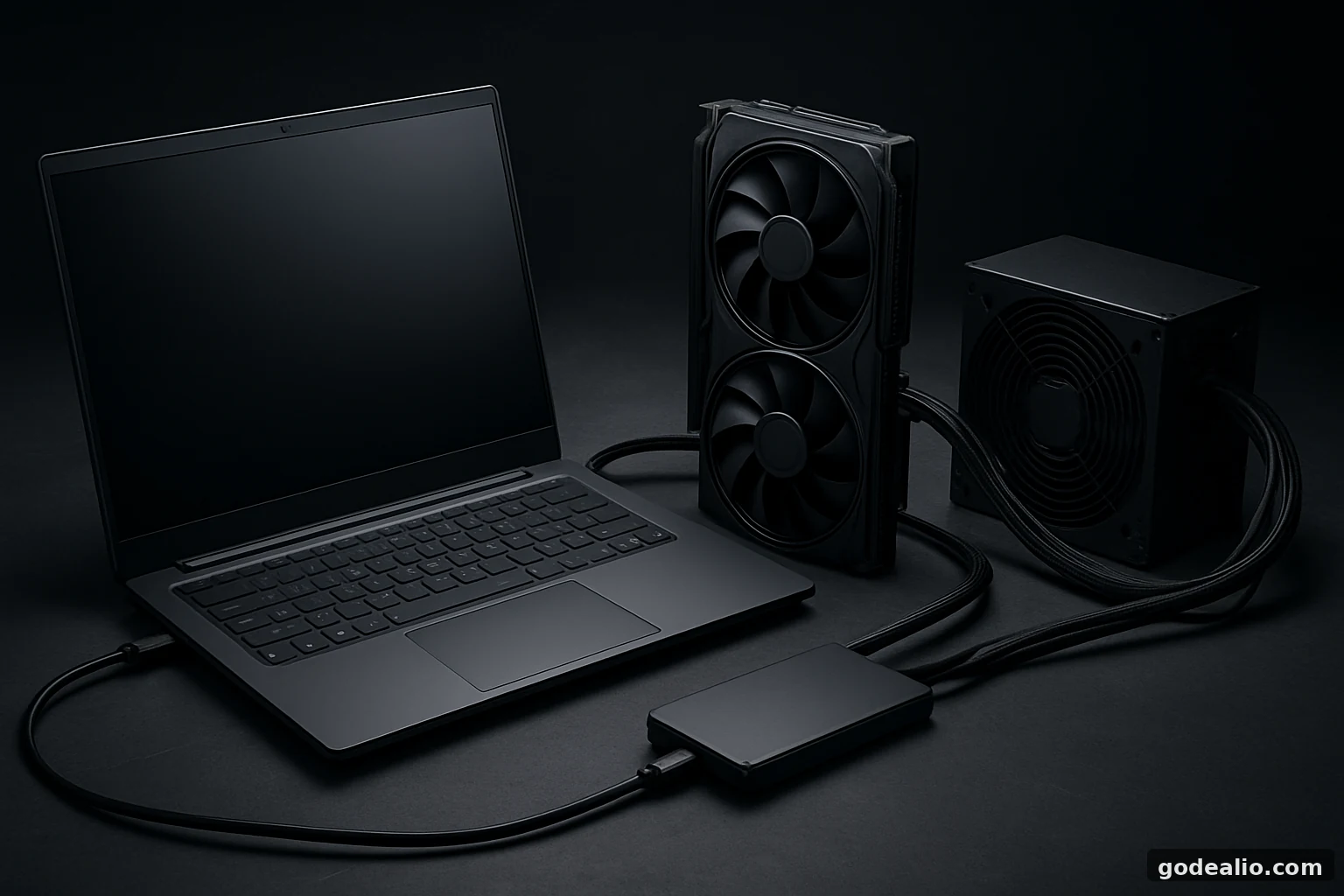
A DIY builder connected an AMD Radeon RX 7900 XT to a Lenovo Yoga laptop through its M.2 slot to run local AI models. The experiment worked, but large-model and 128K-context workloads exhausted system RAM, forced heavy swap use and ultimately pushed the GPU and PSU into a cheap AM4 desktop.
Brand
Lenovo
Model
Yoga laptop
Content Type
news
Launch Status
unknown
Availability
One-off DIY build; not a retail product.
Key News
Label
Build setup
Value
A Lenovo Yoga laptop was wired to an AMD Radeon RX 7900 XT through its M.2 slot using external PCIe hardware.
Verification Status
reported
Label
Boot method
Value
A USB SSD was used for booting after the M.2 slot was repurposed.
Verification Status
reported
Label
Main constraint
Value
System DRAM ran out during local AI use, forcing swap activity and slowing the GPU down.
Verification Status
reported
Label
End result
Value
The builder moved the GPU and PSU into a cheap AM4 desktop case for a more practical setup.
Verification Status
reported
Specification Highlights
Label
Graphics card
Value
AMD Radeon RX 7900 XT
Verification Status
reported
Label
VRAM
Value
20GB
Verification Status
reported
Label
Laptop base
Value
Lenovo Yoga laptop
Verification Status
reported
Label
Connection method
Value
External PCIe cable via the laptop M.2 slot
Verification Status
reported
Label
Boot drive
Value
USB SSD
Verification Status
reported
Label
Power supply
Value
DeepCool PL750D
Verification Status
reported
Label
AI workload
Value
Qwen 35B A3B and GLM-4.7 Flash with a 128K-token context window
Verification Status
reported
Confirmed Details
- The project involved a Lenovo Yoga laptop, an AMD Radeon RX 7900 XT and an M.2-slot-based external PCIe connection.
- The Radeon RX 7900 XT used in the build had 20GB of VRAM.
- A DeepCool PL750D power supply was used to power the graphics card.
- A USB SSD handled booting because the M.2 slot was occupied by the external GPU link.
- The display was initially connected through the external GPU before the integrated graphics were reassigned to preserve VRAM.
- The builder later moved the GPU and PSU into a cheap AM4 desktop platform.
Unconfirmed Details
- The exact Lenovo Yoga model is not specified in the supplied evidence.
- The laptop's exact RAM capacity is not specified.
- The reported $550 RX 7900 XT price is a single builder-reported purchase price, not an India market benchmark.
- The exact operating system and local AI runtime stack are not identified.
Timeline
Date
Event
The builder first looked to use the RX 7900 XT for local LLM work and tried a Lenovo M910Q before moving on.
Date
Event
The Lenovo Yoga laptop was then repurposed with an M.2-slot PCIe adapter, a separate PSU and a USB SSD boot drive.
Date
Event
The setup could display output and run local AI models, but system RAM eventually filled up and swap slowed performance.
Date
Event
The GPU and power supply were moved into a low-cost AM4 desktop for a more realistic home for the hardware.
What happened with the Lenovo Yoga experiment
A home-built local AI project ended the way many ambitious hardware experiments do: with a practical compromise. After trying and failing to use a Lenovo M910Q desktop, the builder shifted to a Lenovo Yoga laptop, wired an AMD Radeon RX 7900 XT to the machine through the laptop’s M.2 slot using an external PCIe cable, and powered the graphics card with a separate desktop PSU. The goal was to run local chatbots on the GPU rather than depend on cloud services.
The setup was never a normal desktop build. The laptop’s M.2 slot was no longer available for its original storage duties, so a USB SSD was used to boot the system. For a short while, the arrangement behaved like a science project that had escaped the lab: the external GPU was recognised, a display output was possible, and the rig was visually striking enough to look like a laptop that had been turned into a PCIe development board.
The confirmed parts of the build
Several elements of the project are clearly established. The graphics card involved was an AMD Radeon RX 7900 XT with 20GB of VRAM, the power supply used for the setup was a DeepCool PL750D, and the connector hardware was an ADT-Link PCIe external cable assembly. The builder also removed the bottom panel of the laptop to make the connection work, which is the kind of step that makes the entire project feel equal parts clever and reckless.
Once everything was connected, the machine was able to output a picture through the external GPU. One reported test run with Furmark was described as reaching 500 FPS at 1080p, which shows that the link-up itself was functioning well enough for graphics output. However, that success did not translate into a smooth local-AI machine, because the display framebuffer also consumed some of the very VRAM that was supposed to be reserved for model inference.
Why the system memory became the real problem
The bottleneck was not only the graphics card. The builder tried running fairly large local language models, including Qwen 35B A3B and GLM-4.7 Flash, alongside a 128K-token context window. That combination demands more than GPU VRAM alone, because a long context window also needs a large amount of supporting data to live in system memory. In this case, the laptop’s available DRAM was the limiting factor.
As the work continued, the machine exhausted its RAM and began leaning on swap space. Once that happened, performance fell sharply and the GPU stopped staying busy. The reported behaviour was that the graphics card became idle except for brief bursts, which is exactly what happens when a system is waiting on slow storage-backed swap instead of keeping the inference pipeline fed with fast memory.
Why this matters for Indian buyers and AI hobbyists
For Indian technology buyers, the story is less about spectacle and more about system balance. A strong GPU is only one part of a local AI setup. If the plan is to run chatbots on-device, the whole platform needs enough RAM, sensible storage, stable power delivery and a motherboard or enclosure that can support the workload without resorting to awkward workarounds. The builder’s experience is a reminder that a laptop can be a useful test bench, but it is rarely the best long-term host for a desktop-class GPU.
This also matters because local AI has become a serious hobbyist and productivity trend. People want privacy, lower latency and the ability to work offline. But the hardware stack has to match the ambition. In practical terms, that usually means enough system memory and a proper desktop chassis will matter more than a dramatic cable trick. For buyers in India comparing upgrade paths, a conventional desktop build may deliver a far cleaner result than trying to force a thin-and-light machine into acting like an AI tower.
What is still not fully clear
Some details remain unspecified in the available evidence. The exact Lenovo Yoga model is not identified, and the laptop’s DRAM capacity is not given. It is also not clear which operating system or local AI software stack was used to manage the models, beyond the model names themselves. That matters because different runtimes and memory-management approaches can change how well a build survives under load.
The reported $550 purchase price for the Radeon RX 7900 XT is also a single data point rather than a verified market-wide benchmark. It should be treated as a reported purchase price, not as a general India market reference. Likewise, the Furmark result is a reported test outcome from the build, not a standardised benchmark that can be used to compare this setup with a proper desktop workstation.
What buyers can learn from the franken-rig
The biggest lesson is simple: local AI depends on more than the graphics card. Even a 20GB GPU can be held back if the machine does not have enough system RAM or if the storage path becomes too slow once swap is involved. If you are planning to run local models, the safer approach is to think in terms of a complete platform: GPU memory, DRAM, CPU support, cooling, storage speed and power delivery all need to scale together.
For Indian buyers, that usually means spending more time on the full build sheet and less time chasing a single headline component. A used tower, a properly sized motherboard and enough memory will often make more sense than adapting a laptop that was never meant to hold a desktop graphics card. The result may be less dramatic on a desk, but it is far more likely to deliver the day-to-day stability that local AI actually needs.
Final take
This Lenovo Yoga build was never meant to be sensible. It was an experiment in making a laptop behave like a desktop GPU host, and for a while it succeeded in the most entertaining way possible. The Radeon RX 7900 XT could be wired in, the screen could light up, and local AI chatbots could at least be brought into the conversation. But the system’s limited DRAM eventually turned the whole project into a slow-motion lesson in memory hierarchy.
In the end, the builder did what many enthusiasts eventually do when a proof-of-concept outgrows the host machine: they moved the expensive parts into a more appropriate desktop platform. For readers in India, the story is a useful reminder that local AI enthusiasm is best matched with balanced hardware, not just an impressive GPU and a lot of optimism.
FAQs
Can a laptop M.2 slot really be used to connect a desktop GPU?
Yes, with the right external PCIe adapter hardware, it can be used for a DIY experiment. But that does not make it a practical everyday solution, because booting, power delivery, cooling and system stability still have to be solved separately.
Why did the RX 7900 XT stop helping once the laptop ran out of RAM?
Because local AI workloads need both GPU VRAM and enough system memory to hold the supporting data for long prompts and large context windows. Once the laptop started swapping, the GPU could not stay busy and performance dropped sharply.
Is 20GB VRAM enough for local AI chatbots?
It can help a lot, but it is not the whole answer. Model size, context length, runtime efficiency and system RAM all matter, so a large GPU memory pool alone does not guarantee smooth performance.
What is the practical takeaway for Indian buyers?
If you want to run local AI reliably, plan for a balanced desktop build with enough RAM, a suitable PSU and proper cooling. A laptop-based franken-rig may be fun to build, but it is usually not the best long-term setup.