
Galaxy S25 Update Expands Notification Highlights Feature to More Users Worldwide
Samsung is expanding Notification Highlights on the Galaxy S25 series, helping users quickly identify important alerts using Galaxy AI-powered prioritization.
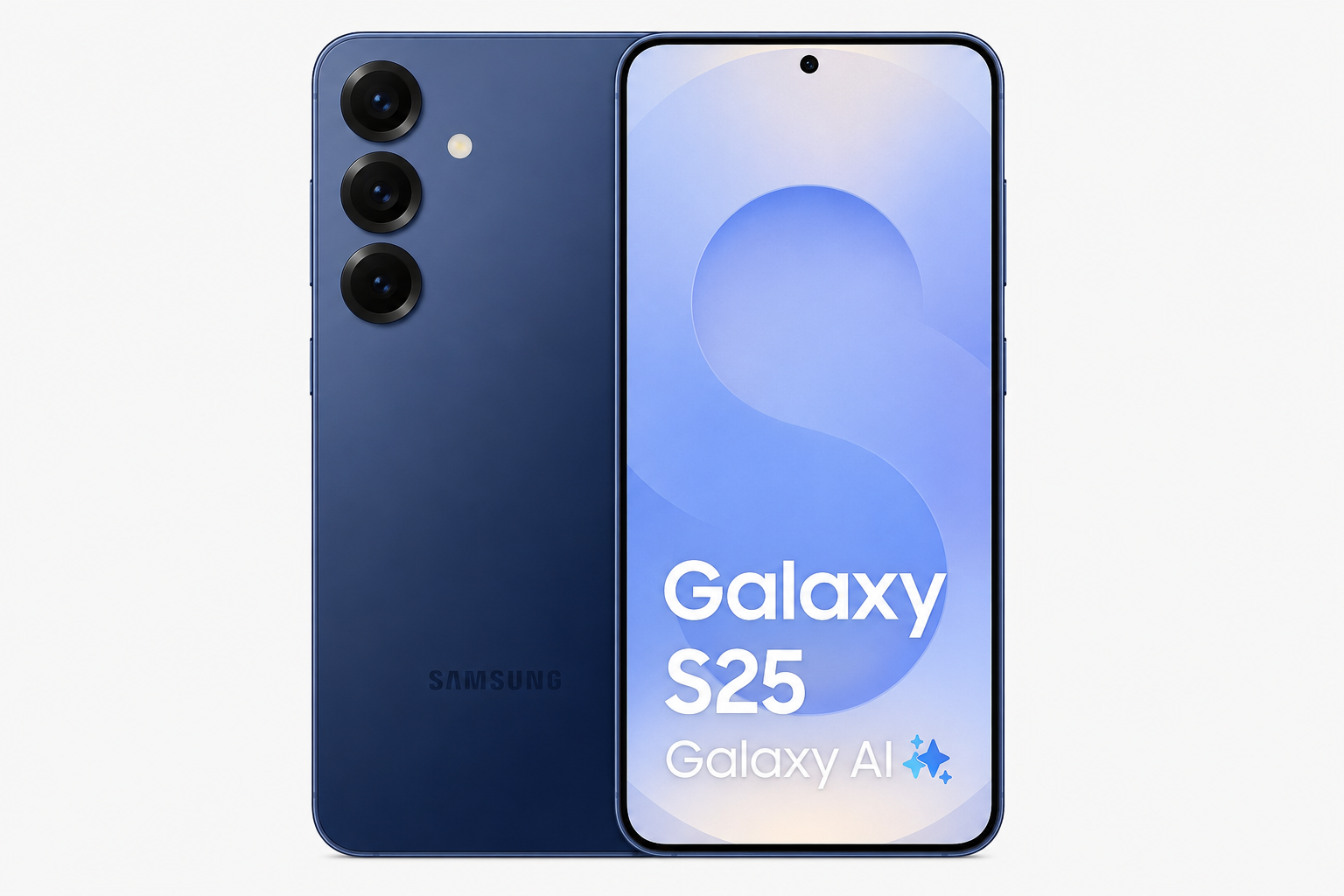
Samsung has started rolling out Notification Highlights to more Galaxy S25 users through its latest software update. The feature uses Galaxy AI and One UI intelligence to surface important notifications, reduce clutter and make daily phone interactions more efficient. As smartphones continue receiving hundreds of alerts every week, Samsung's latest update focuses on helping users see what matters most without constantly checking every notification. The rollout also demonstrates Samsung's growing focus on AI-powered productivity features across the Galaxy ecosystem.
Brand
Samsung
Model
Galaxy S25 Notification Highlights
Topic
One UI & Galaxy AI
Content Type
news
Launch Status
Rolling Out
Availability
Global Rollout in Progress
Rating
9
Pros
- Highlights important notifications automatically
- Reduces notification overload
- Uses Galaxy AI to improve prioritization
- Works directly inside One UI
- Improves productivity and focus
- Makes important alerts easier to spot
- Part of Samsung's broader AI ecosystem strategy
Cons
- Rollout may vary by region
- Availability depends on software version
- Some AI features may require Samsung account sign-in
- Users may need time to customize notification preferences
Final Verdict
Notification Highlights is one of Samsung's most practical Galaxy AI features so far. Instead of adding flashy capabilities, the feature solves a real-world problem by helping users manage information overload and focus on important alerts first.
Galaxy S25 Users Are Receiving Notification Highlights
Samsung has started expanding Notification Highlights to more Galaxy S25 devices through a new One UI software update.
The feature aims to make notification management smarter by identifying alerts that deserve immediate attention while reducing distractions from less important updates.
As smartphones become increasingly central to work, communication and entertainment, managing notifications efficiently has become a growing challenge for users.
What Is Notification Highlights?
Notification Highlights is a Galaxy AI-powered feature that automatically prioritizes important notifications and makes them more visible within One UI.
Instead of treating every alert equally, the system analyzes incoming notifications and surfaces the ones most likely to matter to the user.
The goal is to reduce notification fatigue while ensuring important messages, reminders and alerts are not missed.
- AI-powered notification prioritization
- Highlights important alerts
- Reduces notification clutter
- Improves daily productivity
- Designed for busy smartphone users
How Galaxy AI Helps Prioritize Notifications
Samsung continues integrating Galaxy AI across its smartphone ecosystem.
Rather than focusing only on image generation or text tools, the company is increasingly using AI to improve everyday usability.
Notification Highlights represents a practical application of AI that can benefit almost every smartphone owner.
Why This Feature Matters
The average smartphone user receives dozens or even hundreds of notifications each day.
Important alerts can easily become buried beneath social media updates, promotional messages and app notifications.
Notification Highlights aims to solve that problem by helping users focus on what requires attention first.
- Less notification overload
- Faster access to important information
- Improved focus and productivity
- Better daily smartphone experience
- Reduced digital distractions
Another Step Forward for One UI
Samsung has steadily evolved One UI from a visual redesign into a productivity-focused software platform.
Recent updates have introduced AI writing tools, photo editing enhancements, search improvements and personalization features.
Notification Highlights continues that trend by improving one of the most-used smartphone functions.
Who Will Benefit Most?
The feature is particularly useful for professionals, students and users who receive large numbers of notifications every day.
Anyone who frequently misses important messages because of notification overload may find the new feature valuable.
- Business professionals
- Students
- Remote workers
- Frequent travelers
- Content creators
- Power users
- Galaxy AI enthusiasts
Rollout and Availability
Samsung is gradually expanding Notification Highlights through software updates.
Availability may differ depending on region, carrier certification and software version.
Users should regularly check for the latest One UI updates to access new Galaxy AI features.
Samsung's Growing Focus on Useful AI Features
Unlike some AI features that feel experimental, Notification Highlights focuses on solving a practical everyday problem.
Samsung appears increasingly focused on AI tools that improve productivity, communication and device management.
This strategy could help Galaxy devices stand out as AI becomes a key smartphone buying factor.
A Small Update With Big Everyday Benefits
Notification Highlights may not be the most dramatic Galaxy AI feature, but it could become one of the most useful.
By helping users quickly identify important alerts, Samsung is making the Galaxy S25 experience smarter, cleaner and less distracting.
For many users, better notification management may ultimately prove more valuable than flashy AI demonstrations.
FAQs
What is Notification Highlights on Galaxy S25?
Notification Highlights is a Galaxy AI feature that prioritizes important notifications and makes them easier to notice within One UI.
Which phones are getting Notification Highlights?
The feature is currently rolling out to Galaxy S25 devices and may expand to additional Samsung models later.
Does Notification Highlights use AI?
Yes. Samsung uses Galaxy AI technologies to help identify and prioritize important alerts.
How do I get Notification Highlights?
Install the latest available One UI software update on your Galaxy S25 device.
Will Notification Highlights be available globally?
Samsung is gradually rolling out the feature, though timing may vary by market and carrier.
Can Notification Highlights reduce notification overload?
Yes. The feature is designed specifically to help users focus on important notifications while reducing clutter.