
How Android Updates Work in India (Explained Simply)
Why some phones get updates faster, how long updates last, and what Indian buyers should really expect.
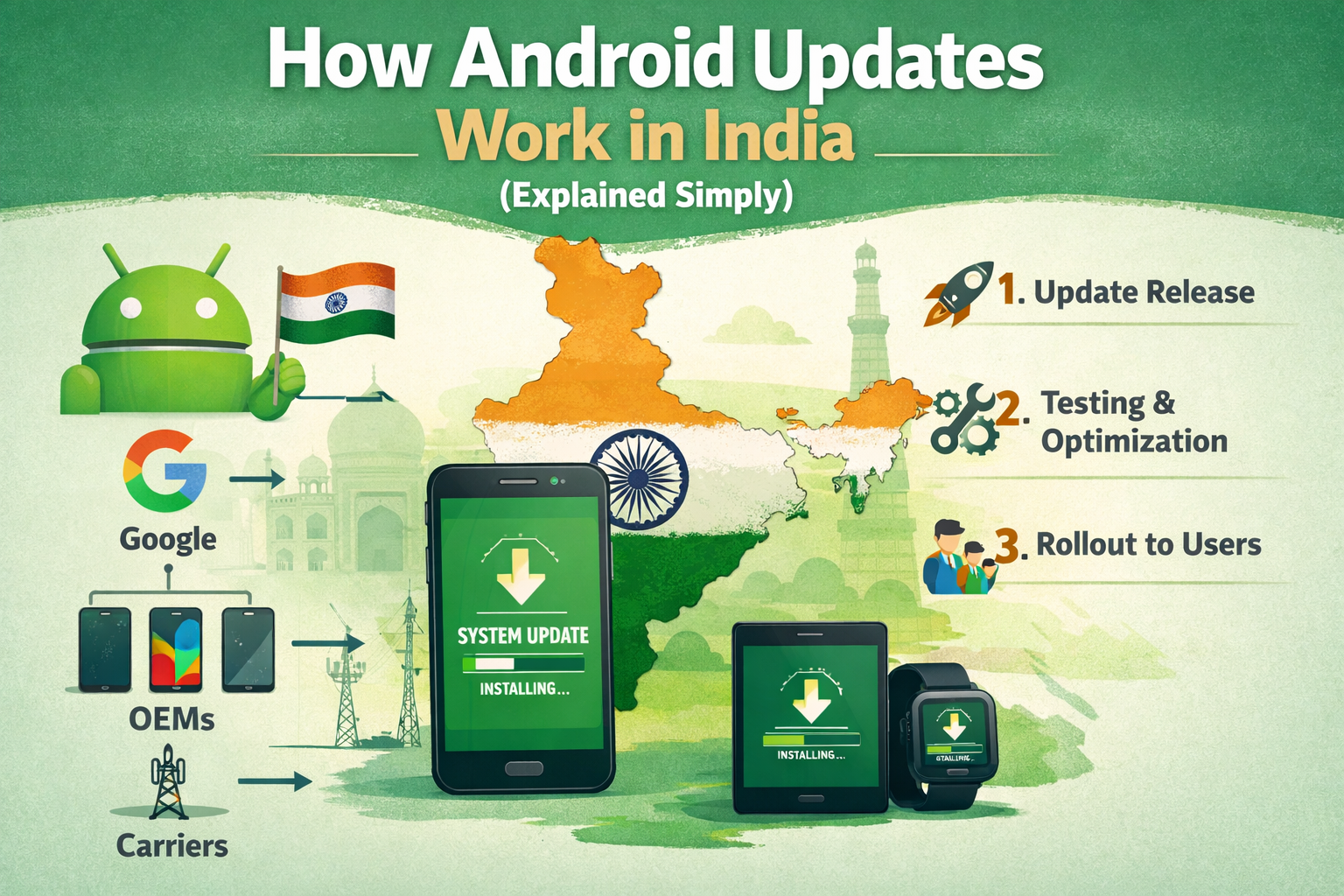
A clear explanation of Android OS and security updates in India, including brand-wise policies and common delays.
Comparison Advice
- Compare final checkout price, not only MRP.
- Compare the same RAM and storage variant.
- Check return window and warranty activation.
- Shortlist 2-3 alternatives before buying.
Mistakes to Avoid
- Buying only because of high megapixel count.
- Ignoring storage variant and expandable storage support.
- Ignoring charger availability in the box.
- Not checking 5G bands and service support.
Deal Advice
- Wait for bank offers if the phone is newly launched.
- Use exchange only when the old phone value is fair.
- Check both Amazon and Flipkart before final purchase.
- Avoid unknown sellers even if the price looks lower.
Why Android Updates Feel Confusing in India
Unlike iPhones, Android updates depend on multiple layers: Google, phone brands, and sometimes carriers.
This is why two Android phones launched together may receive updates at very different times.
1. How Android Updates Actually Reach Your Phone
Step 1: Google releases the Android version or monthly security patch.
Step 2: Phone brands (Samsung, Xiaomi, OnePlus, etc.) customize it for their devices.
Step 3: Updates are tested for hardware compatibility and regional requirements.
Step 4: The update is rolled out in phases to users.
2. OS Updates vs Security Updates
- ✔ **OS Updates:** Major Android versions (Android 14 → 15)
- ✔ **Security Updates:** Monthly/quarterly patches fixing vulnerabilities
- ✔ Budget phones usually get fewer OS updates but some security patches
3. Update Policy by Popular Brands (India)
- Samsung: Up to 4 OS + 5 years security (mid & flagship)
- Google Pixel: 7 years of OS + security
- OnePlus: 3–4 OS updates (varies by series)
- Xiaomi/Redmi/realme: 1–3 OS updates depending on price
- Budget phones (<₹15k): Often 1 OS update or none
Godealio buying framework
This guide is built to help Indian buyers make a practical decision on how android updates work in india (explained simply) without relying only on marketing claims.
Before buying, compare the final checkout price, RAM and storage variant, warranty coverage, bank offer, exchange value and seller rating.
- Check the exact model number and storage variant.
- Prefer higher storage if you plan to keep the phone for 3 years or more.
- Do not judge camera quality only by megapixels.
- Compare final effective price after bank and exchange offers.
Who should use this guide?
This page is useful for buyers who want a simple shortlist, not just a long specification table.
The recommendations are grouped by real-world use cases such as camera, battery, gaming, display, software support and long-term ownership.
Deal checklist before purchase
- Confirm the seller is trusted and return policy is available.
- Check whether charger, cable or case is included in the box.
- Check 5G band support if you use Jio or Airtel 5G.
- Read recent reviews for heating, battery drain and camera issues.
- Compare Amazon and Flipkart prices before ordering.
Frequently Asked Questions
Do Android phones in India get fewer updates?
Not fewer, but slower and more brand-dependent compared to iPhones.
Are security updates important?
Yes. They protect your phone from hacking, data theft, and malware.
Is this How Android Updates Work In India guide useful for online buyers?
Yes. It focuses on practical checks like seller trust, price, warranty, return policy and common mistakes Indian buyers should avoid.
What is the safest buying method?
Use trusted sellers, verify invoice and warranty, and carefully check the product during open-box or delivery verification.
How should I choose from how android updates work in india (explained simply)?
Start with your budget and main use case, then compare battery, camera, storage, software support, service network and final checkout price.
Should I wait for sale offers before buying?
Yes, if the phone is not urgent. Bank discounts, exchange bonuses and festive sale prices can change the value significantly.
What is the safest storage option for long-term use?
For most users, 128GB is the minimum practical option. Heavy camera, video and gaming users should prefer 256GB or higher.
Related Reading on Godealio
- Android vs iPhone
- Latest Android phones
- Compare phones
- Latest mobile offers
- All mobile guides
- Lenovo ThinkTab X11 Gen 1 Review: A Rugged Android Business Tablet Built for Real Work
- Xiaomi 17 Review: The Best Compact Android Flagship of 2026?
- 7 New Android Features Coming to Your Phone in June
- Google Pixel 10 Pro XL Review: The Smartest Android Flagship of 2026
- Nothing Phone 4 Review: The Most Unique Android Flagship of 2026
- Samsung Updates Galaxy F06 and Galaxy M06 With One UI 8.5
More Guide Details
Featured
false